Compare Mint Mobile eSIM Plans for Data in 2026
8/4/2026
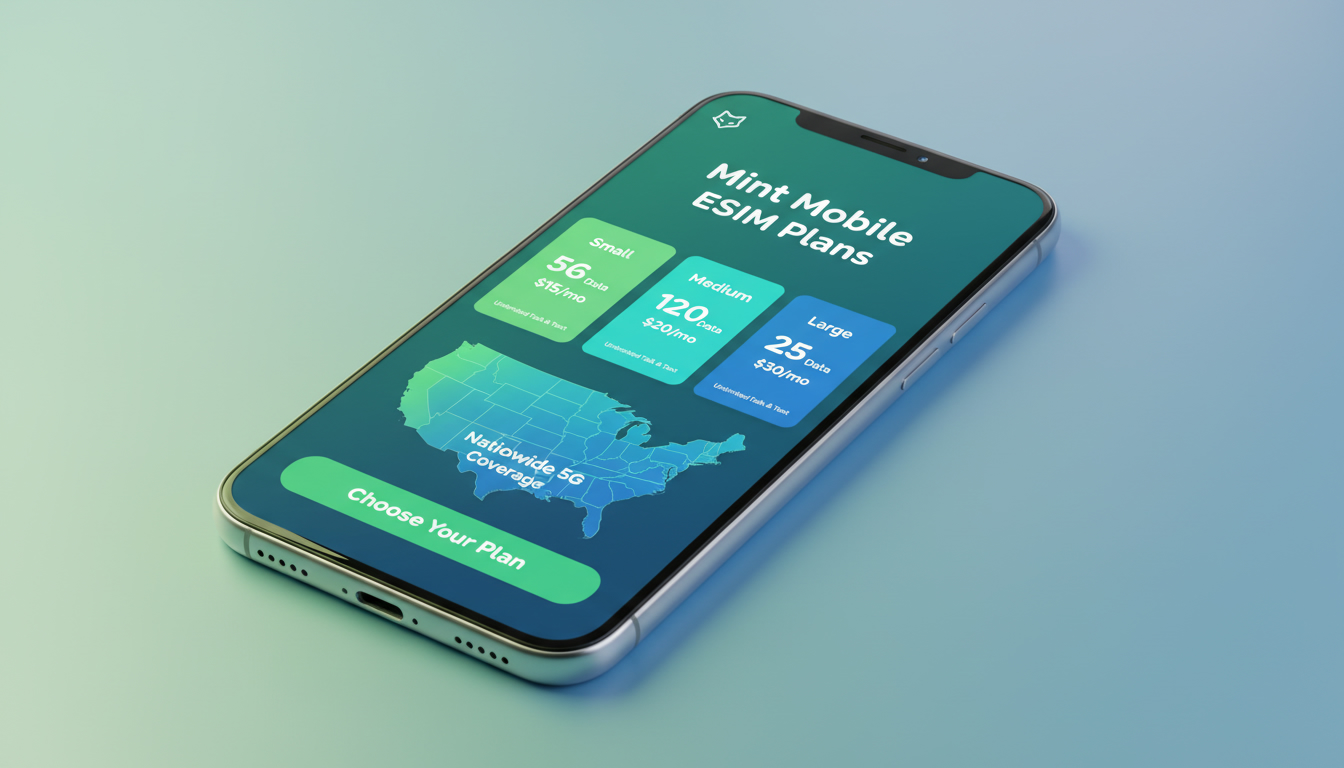
In short, what you'll discover in this article: Explore the essentials of Mint Mobile eSIM plans, including pricing, device compatibility, activation steps, and benefits. Learn how Mint Mobile’s eSIM options compare to physical SIMs and what makes them a convenient choice for flexible mobile data.
1. Why This Guide on Mint Mobile eSIM Plans?
Choosing a new phone service can be overwhelming, especially with emerging technologies like eSIMs. This guide helps you understand Mint Mobile’s eSIM offerings clearly—covering pricing, plan options, activation processes, and device compatibility.
Whether you’re curious about eSIM convenience or looking for affordable data plans, this article provides the practical info you need to decide if Mint Mobile fits your mobile data needs.
2. What Is an eSIM? Principles and Differences From a Physical SIM
An eSIM is a digital SIM embedded in your phone that allows you to activate a cellular plan without inserting a physical card. Unlike traditional SIM cards, eSIMs simplify switching carriers or plans since you don’t need to swap hardware.
This technology supports multiple profiles on one device, enabling easier management of personal and work numbers or local and international plans.
Key differences include:
- No physical card needed: Activation is done via QR codes or activation codes.
- Flexibility: Switch carriers or plans without visiting a store.
- Space-saving: Frees up space inside devices for other components.
Mint Mobile supports eSIM technology on compatible phones, making it easier to manage your wireless service digitally.
3. Mint Mobile eSIM-Compatible Plans: Overview of Offers (Pricing and Durations)
Mint Mobile offers prepaid plans that work seamlessly with eSIM technology. These plans require upfront payment for 3, 6, or 12 months, with prices starting as low as $15 per month when paid in advance.
Each plan includes unlimited talk and text plus varying data allotments on the T-Mobile network with 5G/4G LTE coverage.
3.1 Details of 3/6/12 Month Options and Available Discounts
- 3-Month Plan: Ideal for short-term users or trial purposes.
- 6-Month Plan: Offers better value per month with moderate commitment.
- 12-Month Plan: Best for long-term savings with the lowest monthly equivalent cost.
New customers often find introductory offers that make these prepaid plans very affordable compared to traditional carriers.
3.2 Comparison: eSIM vs Physical SIM (Costs, Flexibility, Number Porting)
| Aspect | Mint Mobile eSIM | Physical SIM |
|---|---|---|
| Activation | Instant via QR code or app | Requires physical card insertion |
| Cost | No extra charge for eSIM activation | May involve shipping fees |
| Flexibility | Switch plans/carriers digitally | Requires new SIM card for changes |
| Number Porting | Supported seamlessly | Supported but requires SIM swap |
| Convenience | No risk of losing physical card | Physical handling needed |
The Mint Mobile eSIM activation process is straightforward and often faster than waiting for a physical SIM delivery.
4. Compatible Devices and Technical Requirements
Mint Mobile’s eSIM service works only on phones that support embedded SIM technology. Compatibility depends on the device model and operating system version.
4.1 iPhone: Supported Models and iOS Versions
- Compatible with iPhone XS, XR, 11 series, 12 series, 13 series, 14 series, and newer.
- Requires iOS 12.1 or later for basic eSIM functionality.
- Latest iOS versions improve dual-SIM management and activation ease.
4.2 Android: Supported Models, Minimum Versions, and Specifics
- Many recent Android phones from Samsung (S20 and later), Google Pixel (3 and later), and others support Mint Mobile eSIM.
- Minimum Android version varies but generally requires Android 10 or higher.
- Some brands may have unique activation steps; always check Mint Mobile’s compatibility list before switching.
5. How to Activate a Mint Mobile eSIM (Step-by-Step Guide)
Activating your Mint Mobile eSIM is simple but requires some preparation.
5.1 Preparations Before Activation (Backup, Wi-Fi, Carrier Lock)
- Ensure your phone is unlocked or locked to T-Mobile (Mint Mobile’s network).
- Connect to a stable Wi-Fi network during setup.
- Backup important data as a precaution.
- Confirm your device supports eSIM with the latest OS updates installed.
5.2 Activation via QR Code / Activation Code: Detailed Steps
- Purchase your Mint Mobile plan online selecting the eSIM option.
- Receive an email with a QR code or activation code.
- On your phone, go to cellular settings > add cellular plan.
- Scan the QR code or enter the code manually.
- Follow prompts to complete activation.
- Restart your phone if necessary.
5.3 Activation When Porting Your Number
If switching from another carrier:
- Start porting request during purchase.
- Keep your old SIM active until port completes.
- Activate the Mint Mobile eSIM once porting is confirmed.
- Contact Mint Mobile support if delays occur.
6. Coverage and Performance (4G/5G Network, Known Limitations)
Mint Mobile uses T-Mobile’s nationwide network offering strong 4G LTE and expanding 5G coverage across the U.S., ensuring reliable speeds for most users.
Known limitations:
- Rural areas may have weaker signal strength.
- International roaming requires additional fees; see next section.
For travelers interested in portable internet solutions alongside mobile data plans, consider checking related options at esim-peru.com/blog/internet-portatil.
7. Roaming and International Use: What to Know and How to Save
Mint Mobile charges daily fees ranging from $5 to $20 for international roaming depending on location and usage intensity. For frequent travelers seeking cost-effective alternatives abroad, using dedicated international eSIM providers can save significant money compared to roaming fees.
To compare real costs versus Mint Mobile roaming fees abroad, resources like Simology provide detailed analyses showing potential savings by choosing specialized travel eSIMs instead of roaming plans.
8. Pricing, Promotions, and Tips to Pay Less
Mint Mobile’s prepaid structure means paying upfront for multiple months yields better monthly rates than month-to-month options elsewhere.
Tips to save:
- Opt for longer-term plans (6 or 12 months).
- Watch for new customer promotions on official sites.
- Use compatible devices to avoid extra fees on activation.
For broader comparisons of affordable prepaid data options including international providers like Airalo or Roamic with verified discount codes, MyBestSim remains a top reference among travelers seeking the best deals on eSIM data plans worldwide.
9. Troubleshooting: Common Errors and Solutions
9.1 Common Error Messages and Immediate Actions
- Activation failed: Check Wi-Fi connection; restart device; ensure correct QR code scanned.
- No service after activation: Verify device compatibility; confirm plan payment; toggle airplane mode off/on.
- Porting delays: Contact previous carrier; confirm port request details; reach out to Mint Mobile support if unresolved.
9.2 Contacting Mint Mobile Support: When and How
If issues persist beyond basic troubleshooting:
- Visit Mint Mobile’s official support page or call their customer service line.
- Use live chat during business hours for faster response.
- Have account info ready for verification when contacting support.
10. Conclusion and Call to Action
Mint Mobile offers flexible prepaid eSIM plans that combine affordability with convenience on a reliable network. If you own a compatible phone and want an easy digital setup without physical SIM cards, their multi-month packages provide excellent value—especially when paying upfront.
Explore which plan matches your usage needs best by visiting esim-peru.com/blog/internet-mobile-bundle for bundled connectivity options or check travel-specific data solutions at esim-peru.com/blog/mobile-data-peru-travel.
Ready to switch? Follow the simple activation steps above and enjoy seamless wireless service with Mint Mobile’s innovative eSIM technology today!
FAQ
What devices support Mint Mobile eSIM plans?
Mint Mobile eSIM plans are compatible with iPhone XS and newer models running iOS 12.1 or later, as well as many recent Android phones like Samsung S20+ and Google Pixel 3 or later with Android 10+. Always check Mint Mobile’s compatibility list before activating.
How do I activate a Mint Mobile eSIM on my phone?
To activate, purchase a Mint Mobile plan with the eSIM option, then scan the QR code or enter the activation code in your phone’s cellular settings. Ensure your device is unlocked, connected to Wi-Fi, and updated to the latest OS version for a smooth setup.
Are Mint Mobile eSIM plans cheaper than physical SIM plans?
Mint Mobile eSIM plans have no extra activation fees and offer the same prepaid pricing as physical SIM plans. Paying upfront for 3, 6, or 12 months provides better monthly rates, making eSIM plans an affordable and flexible choice without shipping costs.
Can I keep my current phone number when switching to Mint Mobile eSIM?
Yes, Mint Mobile supports number porting to eSIM. Start the porting process during purchase, keep your old SIM active until confirmed, then activate your Mint Mobile eSIM. Contact support if porting delays occur to ensure a smooth transition.
What are the benefits of using Mint Mobile’s eSIM over a physical SIM?
Mint Mobile’s eSIM offers instant activation without waiting for a physical card, easier plan switching digitally, and no risk of losing a SIM card. It also frees up device space and supports multiple profiles for managing personal and work lines on one phone.

Diego Ramirez
Diego is a South America travel writer. At Peru eSIM he compares Claro, Movistar, Entel and Bitel coverage from Lima to Machu Picchu.