Best Mobile Data Options for Peru Travel in 2026
7/2/2026
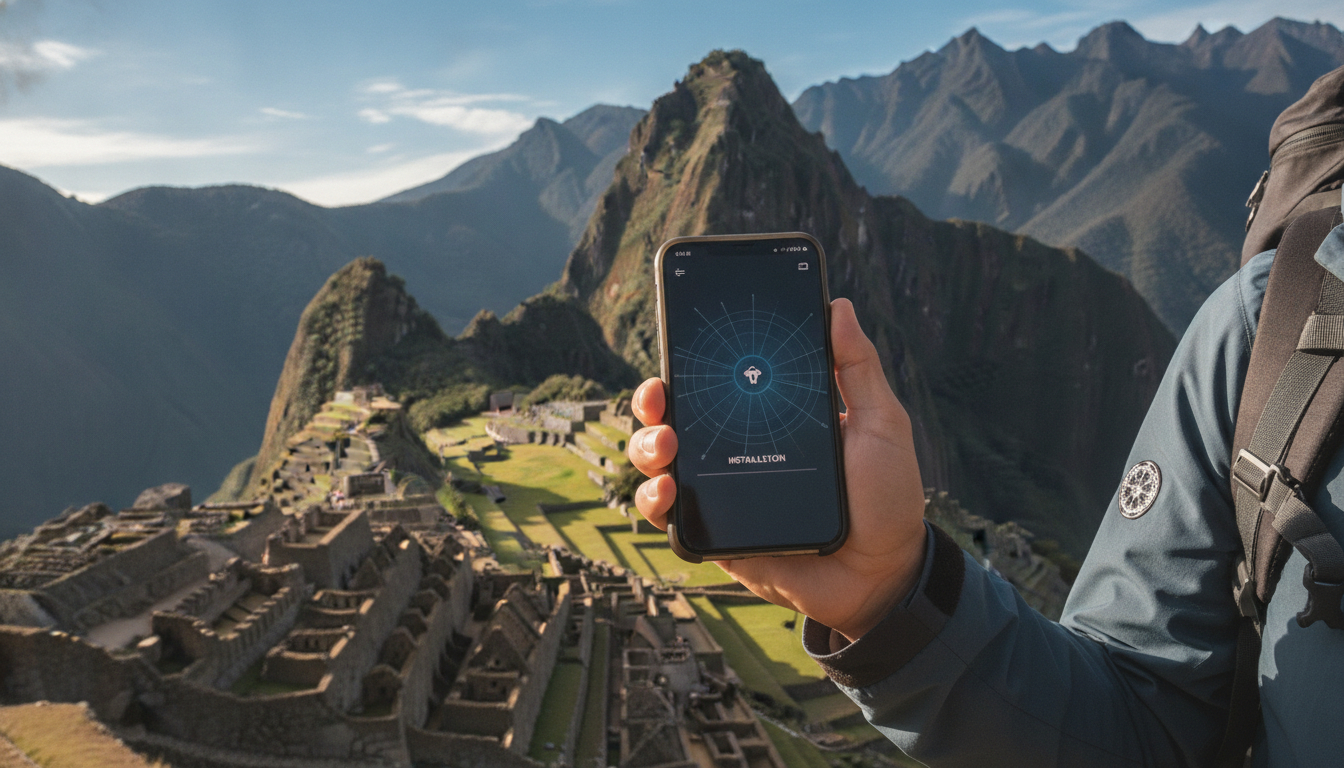
In short, what you'll discover in this article: Explore the best mobile data Peru travel options, from eSIMs to physical SIM cards. Learn about top carriers, where to buy, activation steps, and tips for staying connected even in remote areas like Machu Picchu.
1. Introduction — Why Plan a Mobile Data Solution for Traveling in Peru
Staying connected while traveling in Peru is essential for navigation, communication, and sharing your experiences. Relying solely on Wi-Fi can be limiting since coverage is often spotty outside hotels and major cities.
Having reliable mobile data ensures you can use maps, contact locals or fellow travelers, and avoid unexpected roaming fees. Planning your mobile data ahead of time helps you enjoy a stress-free trip with seamless connectivity.
2. eSIM vs Physical SIM — Pros and Cons for Travelers
2.1 What Is an eSIM and How Does It Work?
An eSIM is a digital SIM embedded in your smartphone that allows you to activate a mobile plan without inserting a physical card. It offers easy activation, easy switching between carriers, and eliminates the need to buy or swap SIM cards physically.
For travelers, eSIMs provide convenience by enabling you to set up data plans before arriving in Peru, avoiding airport queues or local store visits. Check when the plan's validity starts: installation is not necessarily the same as activation.
2.2 When to Choose a Physical SIM
A physical SIM card might be preferable if your phone does not support eSIM technology or if you prefer buying local SIMs for potentially lower costs. Check SIM availability at airports, official stores, and kiosks with the operator before traveling.
However, they require manual insertion and sometimes more paperwork or registration.
3. Main Carriers in Peru (Movistar, Claro, Entel) — Coverage and Reputation
Movistar, Claro, and Entel are among the operators to compare; include Bitel when checking your destinations. Rather than treat a nationwide reputation as a guarantee, check coverage for each stop using OSIPTEL's Checa tu señal tool.
| Carrier | Coverage Quality | Comparison | Notes |
|---|---|---|---|
| Movistar | Check your destination | Compare current plans | Verify urban & rural stops |
| Claro | Check your destination | Compare current plans | Check included data |
| Entel | Check your destination | Compare current plans | Check available technology |
Compare current prepaid plans suitable for your trip length and confirm the purchase requirements with the operator.
4. Where to Buy Your SIM or eSIM
4.1 Buying at the Airport — Pros and Cons
Purchasing a SIM card at Lima’s airport or other international airports can be convenient, subject to availability and opening hours. Airport vendors may offer tourist-friendly packages but watch out for limited data or higher prices.
Compare the total price and validity rather than assuming any sales location is automatically cheaper.
4.2 City Stores and Official Resellers
Local carrier stores in Lima, Cusco, and other cities provide SIM cards with customer support. This option lets you compare current prices and plan choices but requires some time to visit the store.
Confirm the identification required before going.
4.3 Online Purchase / Recommended eSIM Providers
For hassle-free setup, buying an eSIM online before your trip is an option. Providers like MobileRecharge.com list Peru travel data packages; check current availability, activation terms, and device compatibility before paying.
5. How to Activate Your eSIM / SIM in Peru — Step-by-Step Guide
5.1 Activating an eSIM via QR Code (iOS / Android) — Steps and Tips
- Purchase your eSIM plan online.
- Receive a QR code via email.
- On your phone, open the cellular or SIM settings and choose the option to add an eSIM; labels vary by device.
- Scan the QR code.
- Follow prompts to complete activation.
- Restart your device if necessary.
Ensure your phone supports eSIM functionality before purchasing. For another carrier's eSIM, also check that the phone is unlocked; Apple's international eSIM guidance explains the distinction.
5.2 Configure APN and Verify Connection
After activation:
- Check that the Access Point Name (APN) settings match your carrier’s requirements.
- Test mobile data by opening a browser or map app.
- If issues arise, toggle airplane mode or restart the device.
6. Recommended Plans Based on Traveler Profile
6.1 Short Stays / Tourists (1–7 days)
- Compare prepaid plans offering 3GB to 5GB of data as a starting allowance, not a guarantee of sufficient data.
- Prioritize easy activation and moderate data usage for navigation and messaging.
6.2 Long-Term Travel / Digital Nomads
- Choose plans with larger data allowances (10GB+), based on your actual usage.
- Consider carriers with coverage at your planned destinations outside major cities.
6.3 Heavy Usage (Streaming, GPS) vs Basic Use
- Streaming video or frequent uploads require high-data plans.
- Basic users focusing on maps and messaging can save with smaller packages.
7. Connectivity in Remote Areas and Trekking Tips
7.1 Machu Picchu, Cusco, and Trekking Routes — Real Network Performance
A connection in Cusco does not guarantee service on remote trekking paths. Check specific destinations rather than assuming any operator has the best rural coverage everywhere. OSIPTEL's coverage instructions explain how to compare locations. Plan for intermittent connectivity or no signal on trails like the Inca Trail.
7.2 Offline Alternatives (Offline Maps, Satellite Communication, Hotspots)
- Download offline maps before trekking.
- Consider satellite communication devices for emergencies.
- Some lodges offer Wi-Fi hotspots but don’t rely solely on them.
8. Optimize and Secure Your Data Usage
8.1 Data Saving Settings on iOS/Android
Enable features like:
- Data saver mode
- Background app refresh restrictions
- Automatic updates only on Wi-Fi
These settings help extend your prepaid data allowance.
8.2 VPN and Security on Public Mobile Networks
A VPN can add a layer of privacy when connected to public networks such as hotel Wi-Fi or hotspots near tourist sites, but it does not make a fraudulent website safe. Keep security warnings and account protection in mind too.
9. Common Issues and Solutions (Technical FAQ)
Troubleshooting tips include:
- Restarting your phone after SIM/eSIM activation
- Checking APN settings if mobile data doesn’t work
- Contacting carrier support for plan issues
- Ensuring airplane mode is off during setup
10. Pre-Departure Checklist for Mobile Data in Peru
Before traveling:
- Confirm your phone supports eSIM if choosing that option.
- Purchase or plan where to buy your SIM/eSIM.
- Download necessary apps (maps, messaging).
- Save offline maps for remote areas.
- Note emergency contact numbers.
How do I compare coverage for the places I will actually visit?
I start with the accommodation address and the stops where I need to contact a driver. OSIPTEL lets you compare operators by address or destination in its coverage checker. I would check those stops individually instead of choosing from a general carrier ranking.
My practical rule is this: if a travel package does not identify its local partner network, I cannot match it to the coverage map, so I would clarify that before paying. A large allowance is not a substitute for checking the network you can access.
I would also ask the seller to confirm the expiry rule and total price in writing, keeping the receipt with the plan details.
How do I avoid confusing home roaming with my travel data?
I check the home carrier's roaming terms before deciding whether to keep that line active. A travel eSIM does not automatically remove charges on another active line; Apple's travel guidance warns about that distinction. Follow the travel provider's instructions for its own line rather than applying one roaming setting indiscriminately.
My connection test is to switch Wi-Fi off before opening a page. If Wi-Fi remains on, the page can load without proving that the mobile plan works; the consequence is discovering the setup failure only after leaving the hotel.
I would check the selected data line, remaining allowance, and APN instructions before removing an installed profile. Keep the purchase reference available offline for support.
11. Conclusion — Quick Recommendations Based on Traveler Profile
For travelers seeking convenience, a compatible prepaid eSIM is worth comparing with local SIMs and their home carrier's roaming offer. If you prefer physical cards or have an older phone, check local prepaid options and compatibility before purchase.
Prepare ahead by choosing the right plan based on your trip length and data needs, without expecting uninterrupted service from Lima’s city streets to Machu Picchu’s trails.
For detailed comparisons of Peru eSIM plans tailored to travelers’ needs, check out this comprehensive guide.

Diego Ramirez
Diego is a South America travel writer. At Peru eSIM he compares Claro, Movistar, Entel and Bitel coverage from Lima to Machu Picchu.