How to Get Affordable Wap Internet with eSIM Data Plans in Peru
8/16/2026
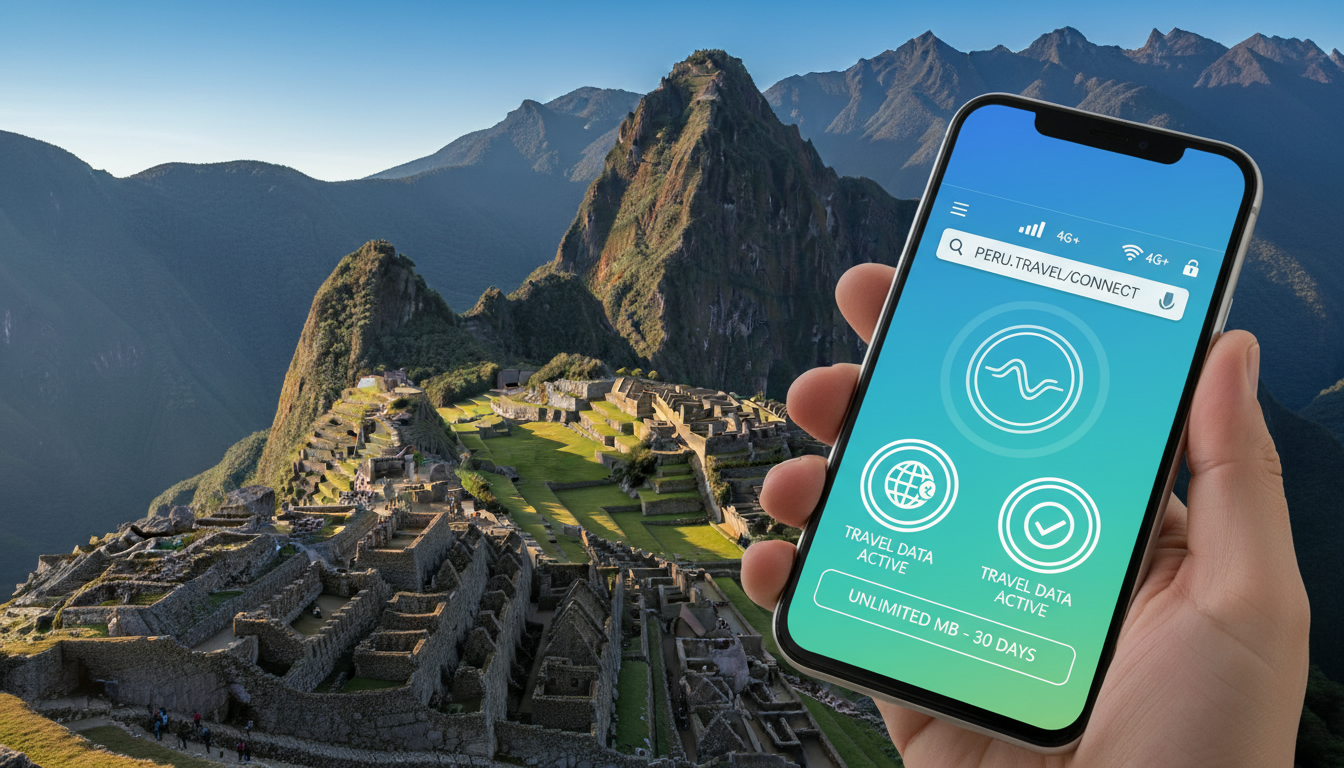
In short, what you'll discover in this article: Explore the origins and workings of wap internet, an early mobile web technology. Learn how the WAP protocol shaped mobile browsing before smartphones, its technical details, and its relevance today, especially for travelers seeking affordable connectivity like eSIM data plans in Peru.
1. Why Talk About WAP Today?
The wap internet might sound like a relic from the past, but understanding it offers valuable insights into how mobile internet evolved. Before smartphones and fast 4G or 5G networks, WAP was the gateway for many users to access web content on mobile devices.
For curious tech enthusiasts and travelers looking for affordable connectivity options—such as those using eSIM data plans in Peru—knowing about WAP helps appreciate modern mobile internet's roots and limitations.
Moreover, some legacy systems and IoT devices still rely on WAP technology, making it relevant in niche contexts. If you’re planning to stay connected in Peru with an eSIM, understanding older protocols like WAP can clarify how mobile data services have improved and what options are available today.
2. What Is WAP?
2.1 Simple Definition
The Wireless Application Protocol (WAP) is a communication standard developed in the late 1990s to enable mobile devices to access internet content. It allowed early mobile phones—often called WAP-enabled devices—to browse specially formatted websites called WAP sites using a WAP browser.
Unlike today’s full web browsers, these were designed for low-bandwidth connections and small screens.
2.2 History and Context (1990s–2000s)
WAP emerged around 1999 as a solution to the limited capabilities of early mobile phones. At that time, mobile networks were slow, and phones had minimal processing power and display capabilities.
The WAP standard bridged these gaps by providing lightweight access to information such as news, weather, stock quotes, and email on the go.
During the early 2000s, many carriers offered WAP services as part of their mobile plans. However, as smartphones with advanced browsers appeared and faster networks like 3G rolled out, WAP gradually declined in popularity.
3. How Does WAP Work Technically?
3.1 Key Protocols (WSP, WTP, WTLS, WAP Gateway)
The WAP protocol suite includes several layers designed to optimize communication over wireless networks:
- Wireless Session Protocol (WSP): Manages sessions between the device and server.
- Wireless Transaction Protocol (WTP): Handles reliable message exchange.
- Wireless Transport Layer Security (WTLS): Provides security features similar to HTTPS.
- WAP Gateway: Acts as an intermediary converting requests from the WAP browser into standard HTTP requests for web servers.
This architecture allowed limited devices to interact with web content efficiently despite network constraints.
3.2 Architecture: From Terminal to Server
A typical WAP connection involves:
- A user’s WAP-enabled device sends a request via the mobile network.
- The request reaches a WAP gateway, which translates it into HTTP.
- The gateway forwards the request to a web server hosting a WAP site.
- The server responds with content formatted in Wireless Markup Language (WML).
- The gateway converts this response back into a format suitable for the device’s browser.
This multi-step process was crucial for enabling early mobile browsing but introduced latency compared to modern direct HTTP connections.
4. WAP vs Modern Mobile Web
4.1 Technical and UX Differences
Modern mobile web browsers support full HTML5 content with rich multimedia, fast loading times, and interactive features powered by high-speed networks like LTE or 5G. In contrast:
- The WAP standard used simplified markup languages like WML.
- Browsing was text-heavy with minimal graphics.
- Navigation was often slow due to multiple protocol translations.
- User experience was limited by small monochrome or low-resolution screens.
4.2 Relevant Use Cases Today
While obsolete for mainstream browsing, WAP technology still finds use in:
- Basic feature phones without advanced browsers.
- Certain embedded systems requiring lightweight data exchange.
- Legacy applications where upgrading hardware or software is impractical.
For travelers using modern eSIM data plans in Peru or elsewhere, full mobile internet access far surpasses what WAP offered.
5. Configuring and Accessing WAP
5.1 Operator Settings (APN, Access Point) and Configuration Examples
Accessing wap internet required configuring specific parameters on your device:
- Access Point Name (APN): Identifies the gateway between the carrier’s network and the internet.
- WAP Gateway Address: Sometimes needed explicitly if not automatically set.
- Username/Password: Occasionally required by carriers.
For example, setting up a WAP connection on an old phone might involve entering an APN like wap.carrier.com along with login credentials provided by your operator.
5.2 Common Troubleshooting (No Connection, Gateway Errors)
Typical issues included:
- Incorrect APN or gateway settings causing failure to connect.
- Carrier restrictions blocking certain WAP services.
- Gateway errors due to server downtime or misconfiguration.
Resolving these often meant verifying settings or contacting customer support.
6. Advantages and Limitations of WAP
6.1 Security, Performance, Device Compatibility
Advantages:
- Enabled early secure connections via WTLS encryption.
- Worked on low-power devices with limited bandwidth.
- Standardized access across different carriers and handsets.
Limitations:
- Slow speeds compared to modern standards.
- Limited multimedia support.
- Poor user experience on small screens.
- Declining compatibility as smartphones became dominant.
6.2 Why WAP Declined (And Where It Remains Useful)
The rise of smartphones with full HTML browsers and faster networks made WAP obsolete for general users. However:
- Some IoT devices still use simplified protocols inspired by WAP.
- Legacy systems in developing regions may rely on it due to hardware constraints.
Understanding these factors helps contextualize why wap internet faded but didn’t disappear entirely.
7. Current Use Cases and Future Perspectives
7.1 IoT and Embedded Devices
Certain Internet of Things (IoT) devices use lightweight wireless protocols derived from or similar to WAP technology for efficient communication without heavy data loads.
7.2 Backward Compatibility Scenarios and Legacy Maintenance
Some carriers maintain minimal support for legacy WAP applications to ensure older devices remain functional during transition periods or in remote areas with limited infrastructure.
8. Conclusion and Resources
In summary, wap internet was a pioneering technology that enabled early mobile web access despite significant technical limitations. While largely replaced by modern mobile internet standards accessible via eSIM data plans—such as those popular among travelers in Peru—it remains an important chapter in digital history with niche applications today.
For travelers seeking reliable connectivity in Peru using eSIMs, exploring current providers like Claro or Movistar through platforms such as esim-peru.com ensures seamless online access far beyond what traditional WAP could offer.
If you want to dive deeper into configuring modern eSIM plans for Peru travel or compare providers offering instant activation without roaming fees, check out our detailed guides on eSIM Peru and Peru Travel eSIM. These resources help you stay connected from Lima to Machu Picchu effortlessly while benefiting from verified discount codes curated by MyBestSim’s trusted comparison service.
Key Terms Glossary
- The WAP Protocol: A set of communication standards enabling wireless devices to access internet content via simplified markup languages.
- A WAP Browser: A specialized browser designed for rendering lightweight web pages formatted in Wireless Markup Language (WML).
- The WAP Gateway: An intermediary server translating requests between wireless devices using the WAP protocol and standard HTTP web servers.
- A WAP-enabled Device: Mobile phones or handheld devices capable of accessing web content via the Wireless Application Protocol.
- The WAP Standard: The official specifications governing how wireless applications communicate over cellular networks.
- A WAP Site: A website designed specifically for access through a WAP browser using optimized content formats.
- The WAP Technology: The overall framework including protocols, devices, gateways, and services enabling wireless internet access before smartphones.
- A WAP Service: Carrier-provided offerings allowing subscribers to browse limited web content using their mobile phones via the WAP protocol.
- The WAP Network: The infrastructure supporting wireless application protocol communications between devices and servers.
- A WAP Application: Software running on mobile devices that uses the Wireless Application Protocol for data exchange or browsing purposes.
This glossary helps clarify terms you might encounter when exploring early mobile internet technologies or troubleshooting legacy systems still relying on them today.
By understanding wap internet, you gain perspective on how far mobile connectivity has come—and how modern solutions like eSIM data plans offer vastly improved experiences for travelers worldwide.
FAQ
What is wap internet and how did it work?
Wap internet is an early mobile web technology that allowed basic internet access on low-power phones using the Wireless Application Protocol. It worked by sending requests through a WAP gateway that translated them into standard web requests, enabling simple content like text and basic graphics to display on small screens.
Why is wap internet still relevant today?
Wap internet remains relevant for legacy devices and some IoT systems that require lightweight communication protocols. It also helps travelers and tech enthusiasts understand the evolution of mobile internet, especially when comparing older technologies to modern eSIM data plans used in places like Peru.
How does wap internet differ from modern mobile browsing?
Unlike modern mobile browsers that support full HTML5 and multimedia, wap internet used simplified markup languages like WML, resulting in slower, text-heavy browsing with limited graphics. It was designed for low bandwidth and small screens, whereas today’s mobile web offers rich, fast, and interactive experiences.
Can I still use wap internet with current mobile devices?
Most modern smartphones no longer support wap internet as they use advanced browsers and faster networks. However, some basic feature phones and certain embedded devices still rely on wap protocols. For travelers using eSIMs in Peru, full mobile internet access is recommended over wap.
What were common issues when setting up wap internet?
Setting up wap internet often required correct Access Point Name (APN) and gateway settings. Common problems included connection failures due to incorrect configurations, carrier restrictions, or gateway errors. Troubleshooting usually involved verifying settings or contacting the mobile operator for support.

Diego Ramirez
Diego is a South America travel writer. At Peru eSIM he compares Claro, Movistar, Entel and Bitel coverage from Lima to Machu Picchu.