How to Use and Activate eSIM for iPhone in 2026
7/10/2026
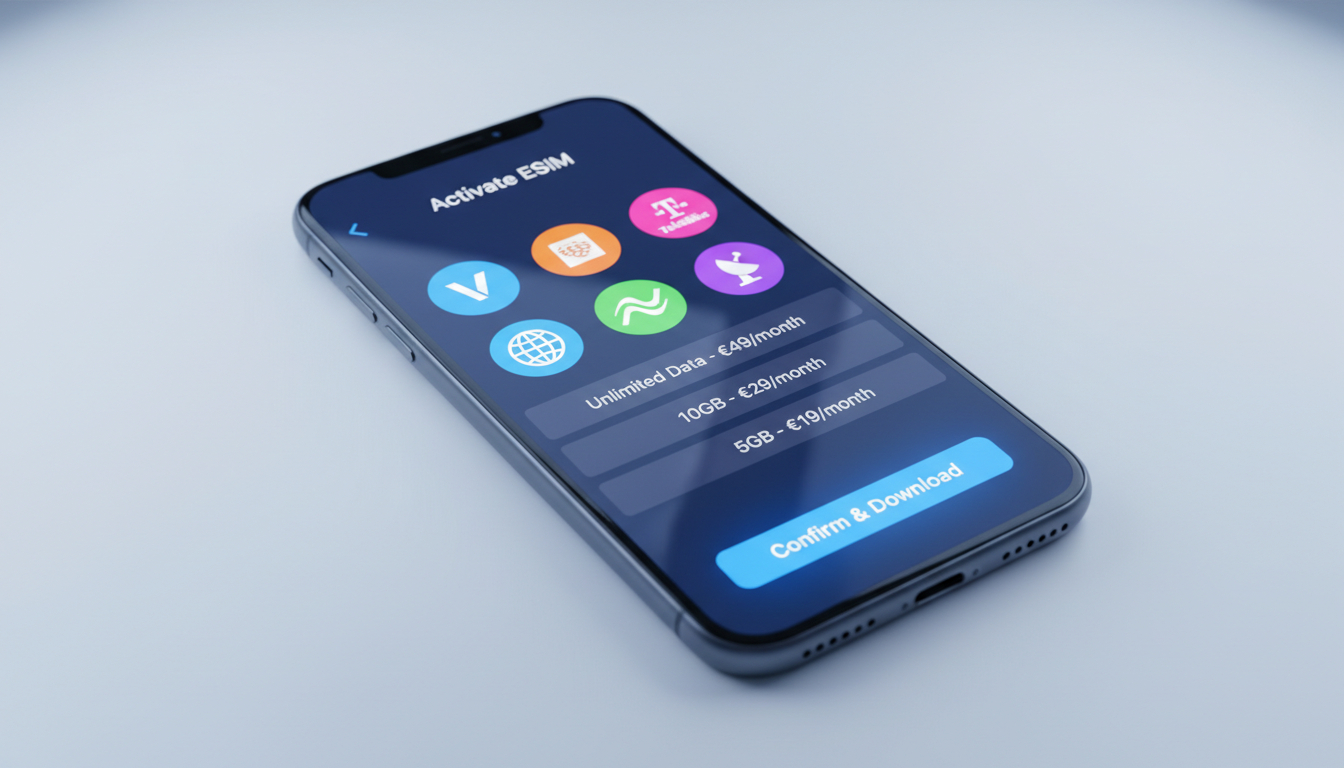
In short, what you'll discover in this article: Learn everything about the eSIM iPhone technology, including which iPhone models support it, how to activate and manage your eSIM, the benefits of switching from physical SIM cards, and the best carriers offering iPhone eSIM plans. Perfect for travelers and multitaskers.
1. Understanding eSIM on iPhone: What You Need to Know
The eSIM iPhone is a digital SIM card embedded inside your device, allowing you to activate a cellular plan without a physical SIM card. This technology simplifies managing multiple phone numbers and carriers, especially useful for frequent travelers or those who want to avoid swapping physical SIMs.
1.1 The Difference Between eSIM and Physical SIM on iPhone
Unlike traditional SIM cards, the eSIM is built into your iPhone’s hardware. This means:
- No need to insert or remove a physical card.
- Ability to store multiple cellular plans on one device.
- Easier switching between carriers or plans without visiting a store.
This flexibility makes the eSIM ideal for users who switch between countries or carriers often.
1.2 The Compatibility of eSIM With iPhone Models
Most recent iPhones support eSIM technology. Compatible models include:
- iPhone XR, XS, XS Max
- iPhone 11 series
- iPhone 12 series
- iPhone 13 series
- iPhone 14 series
- Latest models like iPhone 16 and 17 series
If you have one of these models, you can enjoy the benefits of an eSIM without any hardware upgrades.
2. How to Activate an eSIM on iPhone: Step-by-Step Guide
Activating an eSIM on your iPhone is straightforward. Here’s how to do it:
- Open the Settings app.
- Tap Cellular or Mobile Data.
- Select Add Cellular Plan.
- Scan the QR code provided by your carrier or enter the details manually.
- Follow on-screen instructions to complete activation.
Once activated, you can label your plans (e.g., Personal, Work) and switch between them easily in settings.
2.1 How to Switch eSIM Plans on iPhone
To switch between active eSIM plans:
- Go to Settings > Cellular.
- Tap the plan you want to use.
- Enable or disable it as needed.
This feature is perfect for managing multiple lines without juggling physical cards.
3. The Benefits of Using eSIM on iPhone
Using an eSIM on iPhone offers several advantages:
- Convenience: No physical SIM swapping needed.
- Multiple Plans: Store several plans for travel or work.
- Instant Activation: Activate new plans quickly via QR codes or carrier apps.
- Space Saving: Frees up space inside the phone for other components.
- Security: Digital SIMs are harder to tamper with than physical cards.
These benefits make eSIM a smart choice for modern smartphone users.
4. The Best Carriers for iPhone eSIM and Data Plans
Many carriers worldwide now support eSIM for iPhones. When choosing a carrier, consider coverage, pricing, and plan flexibility.
For travelers visiting Peru, providers like Claro, Movistar, Entel, and Bitel offer competitive eSIM data plans with good coverage from Lima to Machu Picchu. You can compare these offers on esim-peru.com for instant activation and verified discount codes.
4.1 Recommended Providers With Promo Codes
Here are some top providers with real discounts available through MyBestSim:
| Provider | MyBestSim Rank | Rating | Promo Code | Discount |
|---|---|---|---|---|
| Yesim | 3 | 4.7 | MYBESTSIM20 | 20% off |
| LinkeSIM | 4 | 4.5 | MYBESTSIM | 5% off unlimited |
| eSIM.DOG | 7 | 4.0 | MYBESTSIM | 5% off unlimited |
| Maya | 16 | 4.4 | MYBESTSIM | 10% off unlimited |
| Yatelo | 17 | 4.0 | MYBESTSIM | 10% off unlimited |
| eSIMo | 20 | 4.0 | MYBESTSIM | 20% off unlimited |
Using these promo codes can help you save on your next iPhone eSIM setup.
5. Troubleshooting Common eSIM Issues on iPhone
Sometimes issues arise when using an eSIM on your iPhone. Here’s how to troubleshoot common problems:
- Activation Fails: Ensure your device is connected to Wi-Fi and running the latest iOS version.
- No Cellular Service: Restart your phone or toggle Airplane Mode on/off.
- Plan Not Showing: Re-add the cellular plan using the QR code or carrier app.
- Switching Problems: Confirm that both plans are active and not expired.
If problems persist, contacting your carrier’s support is recommended.
6. Conclusion
The eSIM iPhone technology offers a convenient and flexible way to manage multiple cellular plans without physical SIM cards. With broad compatibility across recent models and easy activation steps, switching to an eSIM can simplify your mobile experience—especially if you travel frequently or juggle multiple numbers.
Explore carrier options and promo codes through MyBestSim to find the best deals tailored for your needs.
For more detailed guides on travel-specific eSIM use cases, check out how to get an eSIM in Peru and eSIM options for tourists in Peru.
FAQ
Which iPhone models support eSIM technology?
Most recent iPhones support eSIM, including iPhone XR, XS, 11, 12, 13, 14, and the latest 16 and 17 series. If you own one of these models, you can use eSIM without needing any hardware upgrades.
How do I activate an eSIM on my iPhone?
To activate an eSIM, open Settings, go to Cellular or Mobile Data, tap Add Cellular Plan, then scan the QR code from your carrier or enter details manually. Follow the prompts to complete activation.
Can I use multiple cellular plans with an eSIM on iPhone?
Yes, eSIM allows you to store and manage multiple cellular plans on one iPhone. You can easily switch between plans in Settings without physically swapping SIM cards.
What are the main benefits of using an eSIM on iPhone?
eSIM offers convenience by eliminating physical SIM swaps, supports multiple plans for travel or work, enables instant activation via QR codes, saves internal space, and provides enhanced security against tampering.
Which carriers offer the best eSIM plans for iPhone users?
Top carriers supporting iPhone eSIM include Claro, Movistar, Entel, and Bitel in Peru. Providers like Yesim and LinkeSIM also offer competitive plans with promo codes for discounts through platforms like MyBestSim.

Diego Ramirez
Diego is a South America travel writer. At Peru eSIM he compares Claro, Movistar, Entel and Bitel coverage from Lima to Machu Picchu.