how to activate a peru esim for travel in 2026
6/16/2026
In short, what you'll discover in this article:
Learn how to activate a Peru eSIM with simple, clear steps. Discover the best providers, compatible devices, common issues, and tips to stay connected hassle-free during your Peru trip.
1. Introduction: Why Choose an eSIM for Peru
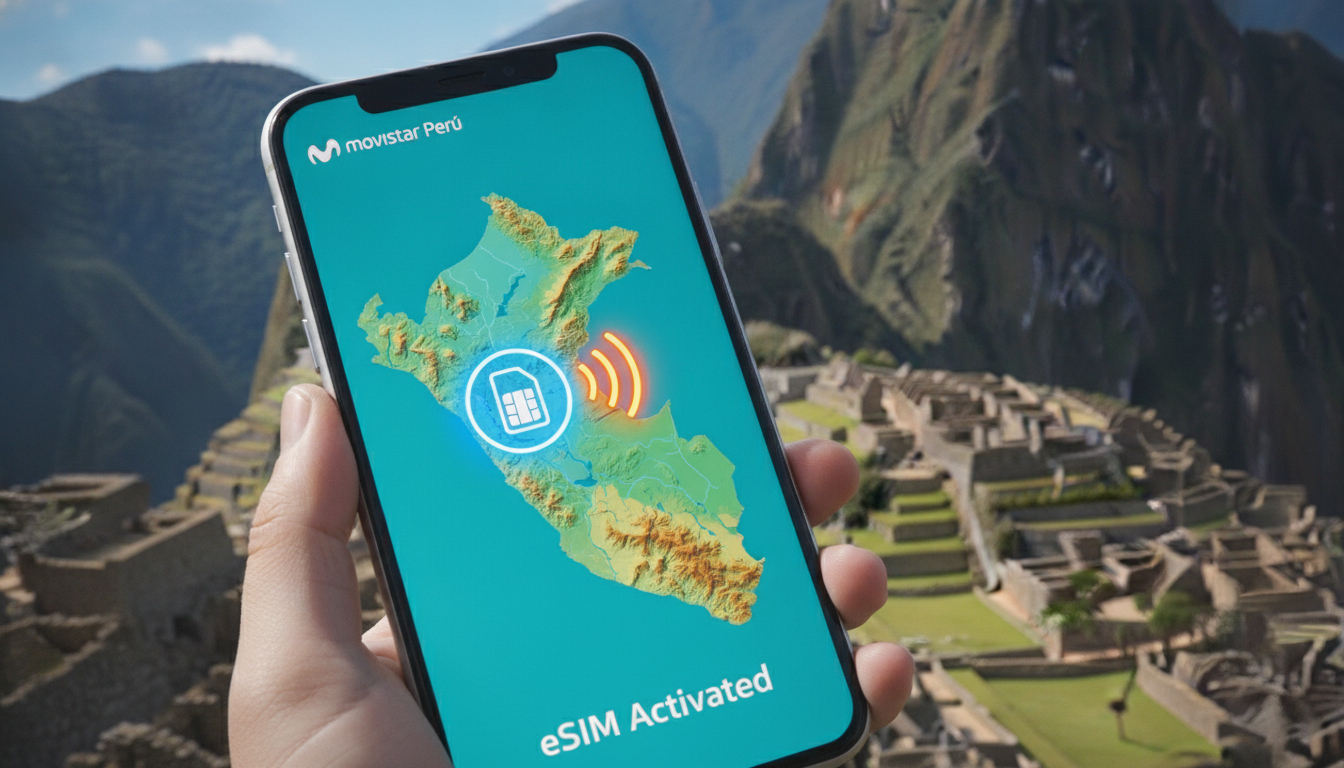
Traveling to Peru with a traditional SIM card can be inconvenient, especially when you want instant connectivity upon arrival. The Peru eSIM activation offers a seamless solution—no physical SIM swapping, no waiting in local stores, and instant mobile data access from Lima to Machu Picchu.
Using an eSIM means you can manage your data plans digitally, enjoy flexible pricing, and avoid roaming fees.
This technology is ideal for tourists who want to stay connected for navigation, communication, and emergencies without the usual travel hassles.
2. Compatibility and Prerequisites
2.1 Devices Compatible with Peru eSIM Activation
Not all phones support eSIMs yet. The most common compatible devices include:
- iPhones: iPhone XS and newer models support eSIM.
- Android Phones: Google Pixel 3 and later, Samsung Galaxy S20 and newer.
- Other Devices: Some newer tablets and smartwatches also support eSIM.
Make sure your device model supports dual SIM or eSIM functionality before purchasing.
2.2 Required iOS and Android Versions
To activate a Peru eSIM, your device must run:
- iOS 12.1 or later for iPhones.
- Android 10 or later for most Android phones supporting eSIM.
Updating your phone’s operating system ensures smooth installation and activation.
2.3 Check Carrier Lock and eSIM Support
Before buying an eSIM, verify that your phone is unlocked or supports the use of an eSIM from foreign carriers. Carrier locks or restrictions may prevent activation of a Peru eSIM profile.
3. Where to Buy a Peru eSIM
3.1 International Providers (Online Resellers)
Several online platforms offer Peru eSIM data plans with instant activation:
- MobiMatter provides flexible plans starting from $1.9/GB with instant activation.
- Airalo offers local-rate data packages manageable via their app.
- Simbye features affordable plans with quick activation on major Peruvian networks.
These providers allow you to buy your Peru eSIM before traveling, so you’re connected as soon as you land.
3.2 Local Operators in Peru
Major Peruvian carriers like Movistar, Entel, Claro, and Bitel offer eSIM options:
- Movistar and Entel provide instant QR code activation.
- Plans vary from data-only to voice + data bundles.
Purchasing locally might require visiting a store but can offer competitive pricing.
3.3 Pricing, Durations, and Plan Types
eSIM plans for Peru typically include:
- Data-only plans: Ideal for travelers focusing on internet usage.
- Voice + Data plans: Include local calling options.
Prices range depending on data volume and validity period (from 1 day to several weeks). Online providers often offer flexible durations with no contracts.
4. Step-by-Step Guide to Peru eSIM Activation
4.1 Before Departure: Purchase and Receive QR Code or SM-DP+ Profile
- Choose your provider based on coverage and price.
- Purchase the plan online; you will receive a QR code or SM-DP+ address via email or app.
- Save this information securely on your phone or print it out.
4.2 Activation on iPhone
To activate your Peru eSIM on iPhone:
- Go to Settings > Cellular > Add Cellular Plan.
- Scan the QR code provided by your carrier.
- Label the plan (e.g., "Peru Trip").
- Set the default line for cellular data if using dual SIM.
- Wait for activation confirmation; your phone will connect automatically.
4.3 Activation on Android Phones (Google/Samsung/Others)
For Android devices:
- Open Settings > Network & Internet > Mobile Network > Advanced > Carrier > Add Carrier.
- Scan the QR code or enter the SM-DP+ address manually.
- Confirm installation of the profile.
- Select the new plan as active for data usage.
- Restart your device if necessary.
4.4 Activation via Provider App (If Applicable)
Some providers like Airalo offer apps that simplify activation:
- Download the app before traveling.
- Purchase and install the Peru eSIM directly through the app interface.
- Manage data usage and top-ups easily during your trip.
5. Common Issues and Solutions
5.1 Frequent Activation Errors and Fixes
- QR Code Not Scanning: Try manual entry of SM-DP+ address.
- Activation Fails: Ensure device OS is updated; restart phone before retrying.
- Plan Not Showing Up: Check carrier lock status or contact provider support.
5.2 No Network After Activation / APN Configuration
If no network appears after activation:
- Verify APN settings match those provided by your carrier.
- Manually enter APN details in mobile network settings if needed.
- Toggle airplane mode off/on to refresh connection.
5.3 Managing Roaming and Network Priorities
Set your phone to prioritize the Peru eSIM network over other SIMs to avoid roaming charges unintentionally.
6. Practical Tips and Optimizations
6.1 Switching Between eSIM and Physical SIM
You can toggle between your physical SIM and Peru eSIM in settings without removing any cards, allowing flexibility during travel.
6.2 Saving Data: Settings, DNS, VPN
To optimize data usage:
- Disable background app refresh.
- Use Wi-Fi when available.
- Consider DNS or VPN services that compress data traffic.
6.3 What to Do If You Change Devices While in Peru
If switching phones mid-trip:
- Deactivate the Peru eSIM on old device via settings.
- Reinstall using the original QR code or request a reissue from provider support.
- Activate on new device following standard steps.
7. Quick Comparison: Peru eSIM vs Physical SIM Card
| Feature | Peru eSIM | Physical SIM Card |
|---|---|---|
| Activation Speed | Instant via QR code | Requires store visit |
| Convenience | No swapping needed | Must physically insert |
| Multiple Profiles | Supports multiple profiles | Usually one per card |
| Roaming Fees | Avoided with local plans | Possible roaming charges |
| Device Compatibility | Limited to newer devices | Works on almost all phones |
For travelers seeking ease and flexibility, the advantages of using a Peru eSIM are clear.
8. Frequently Asked Questions (FAQ)
Q: Can I buy a Peru eSIM online before traveling?
A: Yes, many providers sell Peru eSIMs online with instant delivery of QR codes.
Q: Is my phone compatible with a Peru eSIM?
A: Check if your device supports dual SIM/eSIM functionality and runs iOS 12+ or Android 10+.
Q: What if I have trouble activating my Peru eSIM?
A: Common fixes include updating OS, manual APN setup, or contacting provider support.
Q: Can I use voice calls with a Peru eSIM?
A: Some plans include voice; check plan details before purchase.
9. Conclusion and Call to Action
Activating a Peru eSIM is straightforward when you follow these steps carefully—from checking compatibility to choosing trusted providers like MobiMatter. Prepare before departure to enjoy seamless connectivity throughout your Peruvian adventure without physical SIM hassles.
Ready to stay connected effortlessly? Explore our detailed guide on esim-peru.com/blog/esim-peru-iphone for iPhone-specific tips and start your hassle-free journey today!
Diego Ramirez
Diego is a South America travel writer. At Peru eSIM he compares Claro, Movistar, Entel and Bitel coverage from Lima to Machu Picchu.