how to get an eSIM in Peru for easy connection in 2026
7/3/2026
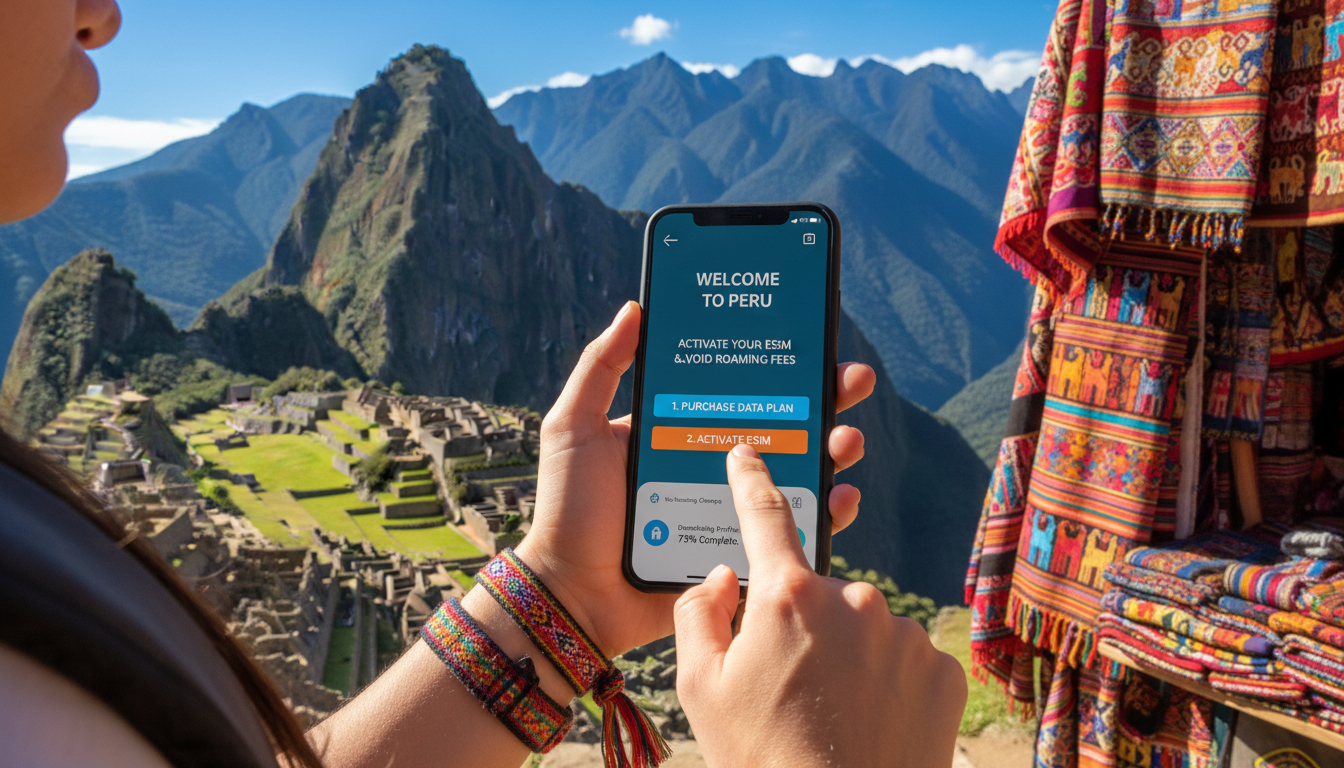
In short, what you'll discover in this article:
Learn exactly how to get an eSIM in Peru with a detailed guide covering the best providers, activation steps, costs, and where to buy. Whether you want to set up before your trip or upon arrival, this article ensures you stay connected hassle-free without roaming fees.
1. Introduction: How to Get an eSIM in Peru
Getting an eSIM in Peru is straightforward and convenient for travelers who want reliable mobile service without the need for a physical SIM card. You can either purchase and activate an eSIM online before your trip or buy one at arrival points like airports or official stores.
The process involves choosing a provider, selecting a data plan, scanning a QR code, and activating it on your compatible device. This guide will walk you through all the options, costs, and steps so you can stay connected from Lima to Machu Picchu effortlessly.
2. What Is an eSIM and Why Choose It in Peru?
An eSIM (embedded SIM) is a digital SIM embedded inside your phone that allows you to activate a cellular plan without inserting a physical card. For travelers in Peru, it offers unmatched convenience.
2.1 Advantages vs Physical SIM for Travelers
- Instant activation without needing to visit a store
- No physical swapping of SIM cards; switch plans easily
- Multiple profiles on one device for home and travel numbers
- Reduced risk of losing or damaging SIM cards
- Often better cost-effectiveness with tourist-friendly plans
- Avoids long queues at airports or local shops
Choosing the eSIM means less hassle and more flexibility during your Peruvian adventure.
3. Compatibility: Which Devices Can Use an eSIM in Peru?
Not all phones support eSIM technology, so checking compatibility is essential before planning.
3.1 Quick List by Brands/Models and OS Versions Required
- Apple iPhones: iPhone XS and newer models running iOS 12.1+
- Google Pixel: Pixel 3 and later with Android 10+
- Samsung: Select models like Galaxy S20, S21, S22 with One UI 2+
- Other brands: Newer models from Huawei, Motorola, and Oppo often support eSIM but verify per model
Make sure your device is unlocked and updated to the latest OS version for smooth setup.
4. Peruvian Operators Offering eSIMs
Several major Peruvian carriers provide eSIM plans suitable for tourists and locals alike.
4.1 Movistar: Offers, Prices, and Coverage
Movistar is one of Peru’s largest networks with extensive coverage across urban and rural areas. They offer prepaid eSIM plans with flexible data packages ideal for travelers.
4.2 Claro: Offers, Prices, and Coverage
Claro provides competitive pricing on prepaid eSIM data plans with good coverage in most tourist destinations including Lima and Cusco.
4.3 Entel: Offers, Prices, and Coverage
Entel focuses on fast 4G/5G connectivity with affordable prepaid eSIM options tailored for short-term visitors.
For detailed plan comparisons and verified discount codes, check the best eSIM providers in Peru on our website.
5. Where and How to Buy an eSIM for Peru
You have two main options when buying an eSIM for Peru: online before departure or locally after arrival.
5.1 Buying Online Before Departure (International Marketplaces)
- Download apps like Airalo or Holafly
- Choose your preferred Peruvian data plan
- Purchase instantly with secure payment
- Receive a QR code via email or app for quick activation
Advantages include avoiding airport queues and having connectivity ready upon landing.
5.2 Buying Upon Arrival: Airports, Official Stores, Local Resellers
- Available at Jorge Chávez International Airport kiosks
- Official carrier stores in Lima or major cities
- Local resellers may offer physical assistance
When buying locally, verify the legitimacy of sellers to avoid scams or overpriced plans.
6. Step-by-Step Guide: Activating and Installing an eSIM (with Checklist)
Follow these steps to activate your Peruvian eSIM smoothly:
6.1 Scan the QR Code, Configure Profile, Activate Mobile Data
- Open your phone’s settings > Cellular/Mobile Data > Add Cellular Plan
- Scan the QR code provided by your carrier or app
- Name your new plan (e.g., “Peru Trip”)
- Enable cellular data on this profile
6.2 Dual-SIM Setup and Selecting Data/Call Plans
- Set your primary number for calls/texts if needed
- Choose the Peruvian eSIM for data usage only (recommended)
- Adjust roaming settings to avoid unexpected charges
Checklist:
- Confirm device compatibility
- Purchase valid Peruvian eSIM plan
- Have QR code ready (digital or printed)
- Follow activation steps carefully
- Test connectivity before leaving Wi-Fi
For more detailed activation tips visit our activation guide.
7. Plans, Prices, and Recommendations by Travel Type
Your choice depends on trip length and usage needs:
- Short tourist visits: Small data packages (1–5 GB) suffice for maps & messaging
- Longer stays: Larger plans or unlimited data options provide flexibility
- Remote work: High-speed plans with good upload/download speeds are essential
Prices vary by provider but generally start around $2 per GB with discounts on bigger bundles.
8. Network Coverage in Peru: Tourist vs Rural Areas
Expect excellent coverage in Lima, Cusco, Arequipa, and major tourist spots thanks to Claro, Movistar, Entel networks supporting 4G/5G speeds.
In rural or mountainous regions like parts of the Andes or Amazon basin:
- Coverage may be spotty or limited to slower networks (3G or none)
- Plan accordingly if visiting remote areas by downloading offline maps
9. Common Issues & Troubleshooting
If you encounter problems such as:
- QR code not scanning properly
- eSIM profile not activating
- No mobile data despite activation
Try restarting your device first. Ensure airplane mode is off and cellular settings are correct.
Contact your provider’s support if issues persist.
10. Security, Legality & Tips to Avoid eSIM Scams
eSIM use is legal in Peru with no restrictions for tourists. To stay safe:
- Buy only from official carriers or trusted international platforms
- Avoid suspicious third-party sellers offering “too good to be true” deals
- Protect your QR code as it contains sensitive profile info
Following these tips ensures secure connectivity throughout your trip.
11. Conclusion: Best Scenario According to Traveler Profile + Final Checklist Before Departure
For most travelers planning a trip to Peru:
- Verify your phone supports an eSIM compatible with Peruvian carriers.
- Purchase your preferred plan online before departure for instant activation upon arrival.
- Follow the simple activation steps using the QR code.
- Choose a plan based on trip length—small packages for short visits; larger ones if staying longer.
- Keep emergency contact info handy for carrier support if needed.
This approach guarantees seamless mobile service without roaming fees so you can focus on exploring Peru stress-free.
Before you leave:
- Confirm device compatibility again
- Download necessary apps (Airalo/Holafly/Revolut)
- Save QR code securely
- Review network coverage maps
- Pack a portable charger for uninterrupted use
For more details on purchasing options visit our comprehensive guide on where to buy an eSIM in Peru. Safe travels!
FAQ
How do I activate an eSIM in Peru?
To activate an eSIM in Peru, scan the QR code provided by your carrier or app through your phone’s cellular settings. Then, name the plan and enable cellular data. Make sure your device is compatible and updated for a smooth activation process.
Can I buy a Peruvian eSIM before arriving?
Yes, you can purchase a Peruvian eSIM online before your trip via platforms like Airalo or Holafly. This allows instant activation upon arrival, avoiding airport queues and ensuring connectivity from the start of your visit.
Which Peruvian carriers offer eSIM plans?
Major carriers like Movistar, Claro, and Entel provide prepaid eSIM plans in Peru. They offer various data packages with good coverage across cities and tourist areas, making them ideal choices for travelers.
Are all phones compatible with eSIMs in Peru?
Not all phones support eSIMs. Compatible devices include Apple iPhone XS and newer, Google Pixel 3 and later, and select Samsung Galaxy models. Ensure your phone is unlocked and running the latest OS version for compatibility.
What should I do if my eSIM won’t activate?
If your eSIM fails to activate, restart your device and check that airplane mode is off. Verify cellular settings and QR code accuracy. If problems persist, contact your carrier’s customer support for assistance.

Diego Ramirez
Diego is a South America travel writer. At Peru eSIM he compares Claro, Movistar, Entel and Bitel coverage from Lima to Machu Picchu.