how to use an esim for iphone in peru in 2026
6/15/2026
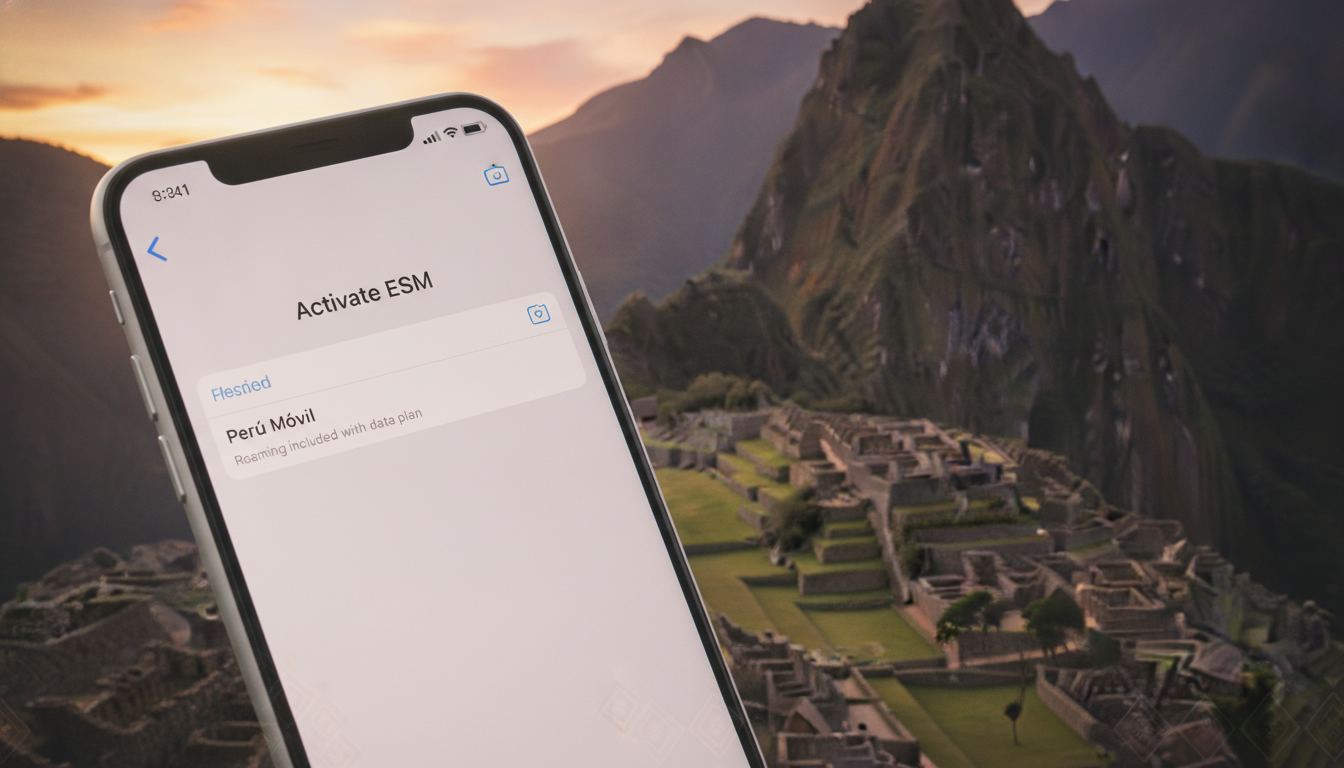
In short, what you'll discover in this article:
Learn how to use an esim peru iphone for seamless mobile connectivity during your trip. Discover compatible iPhone models, the best Peruvian eSIM providers, step-by-step activation, and tips to save on data plans.
1. Introduction — Why Choose an eSIM in Peru for iPhone
Traveling to Peru with your iPhone? Using an eSIM can simplify staying connected without swapping physical SIM cards.
The benefits of eSIM for iPhone users in Peru include instant activation, multiple plan options, and avoiding roaming fees. This makes it ideal for travelers who want hassle-free mobile service from Lima to Machu Picchu.
2. What Is an eSIM and How Does It Work on iPhone?
2.1 Differences Between eSIM and Physical SIM
An eSIM is a digital SIM embedded in your iPhone that allows you to download cellular plans without inserting a physical card. Unlike traditional SIMs, it supports multiple profiles and can be activated remotely via QR codes or apps.
2.2 Advantages for Travelers
- No need to buy or swap physical SIM cards upon arrival
- Instant activation of local data plans
- Ability to keep your home number active alongside the local plan
- Easier management of data usage and plan switching
3. Availability and eSIM Providers in Peru
3.1 List and Comparison of Operators (Prices, Plans, Coverage)
Peru offers several Peru eSIM providers for iPhone with varying coverage and pricing:
| Provider | Data Plans | Coverage | Activation Method | Ideal For |
|---|---|---|---|---|
| Claro | From 1GB to unlimited | Excellent nationwide | QR code or app | Travelers needing broad coverage |
| Movistar | Flexible prepaid plans | Strong urban coverage | Online purchase | Budget-conscious users |
| Entel | Competitive prices | Good in cities & tourist spots | Airport kiosks & online | Short-term visitors |
| Bitel | Affordable data packs | Growing rural coverage | Online only | Long stays |
3.2 Where to Buy (Online, In-Store, Airport)
You can purchase an eSIM for Peru online before your trip through official carrier websites or trusted resellers. Some providers also offer kiosks at major airports like Lima’s Jorge Chávez International Airport for last-minute purchases.
4. iPhone Compatibility — Which Models Support eSIM
4.1 How to Check Compatibility on Your iPhone
Most recent iPhones support eSIM technology:
- iPhone XS, XS Max, XR and later models
- iPhone SE (2nd generation) and newer
To verify compatibility:
- Go to Settings > Cellular
- Look for Add Cellular Plan option
If present, your iPhone supports eSIM activation.
5. Step-by-Step Guide — How to Activate an eSIM on iPhone in Peru
5.1 Preparation Before Arrival (Purchase and Receive QR/eSIM by Email)
- Buy your preferred the best eSIM plans in Peru online ahead of time
- Receive the QR code or activation details via email or app download
5.2 Activation Steps on iPhone
- Open Settings > Cellular
- Tap Add Cellular Plan
- Scan the QR code provided by your carrier
- Follow on-screen instructions to label and set up the plan
- Choose your default line for calls and data if prompted
5.3 Common Issues and Solutions
- QR code not recognized: Ensure good lighting and steady camera; try restarting your phone
- eSIM not activating: Confirm internet connection; contact provider support if needed
6. Plans, Pricing, and Tips to Save
6.1 Tourist Prepaid Plans vs Long-Term Plans
Tourist plans usually offer short validity (7–30 days) with flexible data sizes ideal for vacations, while long-term plans suit extended stays with better rates.
6.2 Recharging and Managing Plans from Your iPhone
Most providers allow easy top-ups via their apps or websites without removing the eSIM profile.
7. Practical Use While Traveling
7.1 Switching Between eSIM and Physical SIM / Setting Primary Line
You can toggle between lines in Settings > Cellular > Default Voice Line or set one line as primary for calls/data while keeping the other active.
7.2 APN, Roaming, and Data Optimization
Usually, APN settings configure automatically after activation; check with your provider if issues arise. Disable roaming on the physical SIM if you want to avoid extra charges.
8. Real-Life Scenarios and User Experiences
Travelers report smooth connectivity using Claro or Movistar eSIMs in urban areas like Lima and Cusco, appreciating instant activation without airport queues.
9. Official Sources and Useful Links (Operators, Apple Support)
For official details on Peruvian carriers supporting eSIMs and Apple’s guidelines on setting up eSIMs on iPhones, visit:
10. Conclusion — Quick Recommendations and Pre-Departure Checklist
Using an esim peru iphone is a smart choice for travelers seeking easy mobile access in Peru without physical SIM hassles. Before you leave:
- Confirm your iPhone supports eSIM
- Purchase a suitable Peruvian eSIM plan online
- Save the QR code or activation details offline
- Familiarize yourself with activation steps
This preparation ensures you stay connected from arrival to departure effortlessly.
Explore the best Peruvian eSIM plans now to get started!
Diego Ramirez
Diego is a South America travel writer. At Peru eSIM he compares Claro, Movistar, Entel and Bitel coverage from Lima to Machu Picchu.