How to Activate and Choose Vodafone eSIM Plans in 2026
10/1/2026
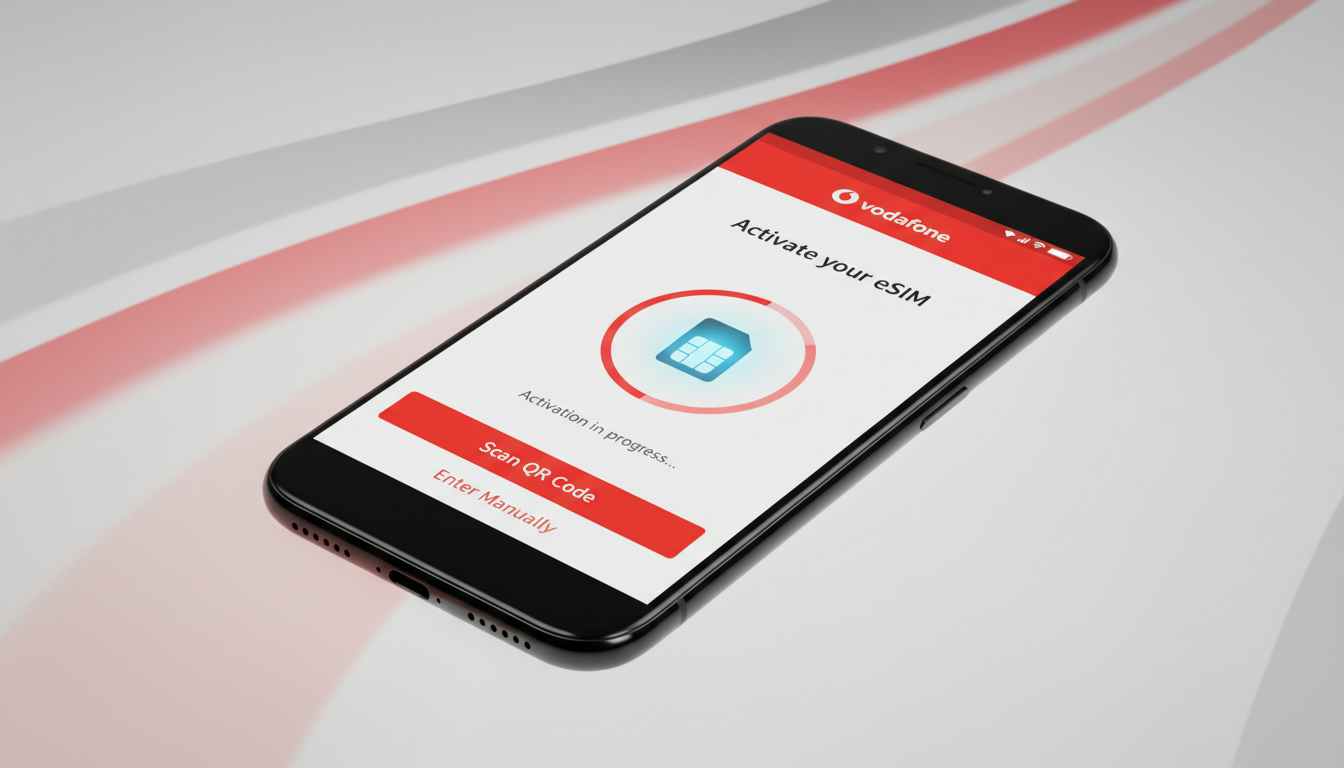
Vodafone eSIM: Plans, Activation, and What You Need to Know
If you’re considering switching to a Vodafone eSIM, you want clear, practical information on plans, activation, device compatibility, and costs right away. Vodafone’s eSIM service offers the convenience of a digital SIM card embedded in your phone, eliminating the need for a physical SIM swap.
This means you can activate or switch plans without visiting a store or waiting for a card delivery.
Vodafone’s eSIM supports the same services as traditional SIM cards—calls, SMS, and mobile data—making it a seamless upgrade for users who want flexibility and ease of use, especially for international travel.
Vodafone eSIM Plans and Pricing Overview
Vodafone offers various eSIM plans tailored to different needs, including local and travel-specific options. While exact prices and packages may vary by country and region, Vodafone’s eSIM plans generally mirror their physical SIM offerings but with added convenience.
Since Vodafone’s official site doesn’t publish all plan details openly, I recommend checking specialized providers like MyBestSim for competitive Vodafone eSIM data plans and current promotions. These providers offer flexible data packages ranging from daily to monthly validity periods.
Key Features of Vodafone eSIM Plans
- Data volumes: Plans typically range from small daily bundles to larger monthly data allowances.
- Validity periods: Options include 1-day passes up to 30-day or longer subscriptions.
- International roaming: Some Vodafone eSIM plans support international travel with coverage in multiple countries.
- Activation speed: Instant activation is common once the QR code is scanned.
The cost of a Vodafone eSIM depends on the chosen plan and region. For example, third-party sellers like JamboSim or Yatelo offer 3 GB data plans valid for 30 days at competitive rates.
Using MyBestSim as a reference helps you find the best deal with verified prices and promo codes.
How to Activate a Vodafone eSIM on Your Device
Activating a Vodafone eSIM involves several precise steps that must be followed carefully to avoid common pitfalls such as failed activation or loss of connectivity.
Step-by-Step Activation Process
-
Check device compatibility: Only certain devices support eSIM technology. Most recent iPhone models from iPhone XS onward and many Android phones like Google Pixel 3+ or Samsung Galaxy S20+ support Vodafone eSIM.
-
Obtain your Vodafone eSIM QR code: This is typically provided via email or through your Vodafone account dashboard after purchasing an eSIM plan.
-
Scan the QR code on your phone:
- On iPhone: Go to Settings > Cellular > Add Cellular Plan and scan the QR code.
- On Android: Settings > Network & Internet > Mobile Network > Add Carrier.
-
Confirm activation: Your phone will download the profile and activate the plan. The process usually takes under 5 minutes.
-
Set your default line (if dual SIM): If you keep a physical SIM alongside your eSIM, assign which line handles calls, texts, and data.
Common Activation Mistakes
- Trying to activate without confirming device compatibility leads to failure because unsupported devices cannot read the embedded profile.
- Scanning an expired or invalid QR code results in no service.
- Overlapping active profiles without proper management can cause network conflicts.
I always start by verifying device compatibility first because skipping this step wastes time and causes frustration.
Benefits of Using a Vodafone eSIM
Switching to a Vodafone eSIM offers several advantages over traditional SIM cards:
- Instant plan switching: You can add or change plans digitally without needing a physical card swap.
- Multiple profiles: Devices can store several eSIM profiles simultaneously, allowing easy switching between personal and business numbers or international carriers.
- Improved security: The embedded chip is less prone to physical damage or loss compared to plastic SIM cards.
- Space-saving design: Without a SIM tray, manufacturers can optimize internal space for other components or battery capacity.
From my experience analyzing mobile network technologies, one subtle but critical point is that an active eSIM profile consumes less power during network registration than some physical SIMs because of optimized firmware interactions—this translates into slightly better battery life during standby.
Coverage and Compatibility Considerations
Vodafone’s network coverage with an eSIM matches that of its physical SIM cards since both use the same cellular infrastructure. However, coverage quality depends heavily on your location within Vodafone’s service area.
Coverage Area Insights
- Vodafone operates extensive 4G LTE networks across Europe, parts of Asia, Africa, and Oceania.
- In rural or remote areas where signal strength is weak, even an active eSIM will struggle due to limited cell tower reach.
- For international travelers using a Vodafone eSIM for roaming, coverage depends on partner networks in each country.
An important technical observation is that some devices require manual network selection when switching countries with an active Vodafone eSIM; automatic roaming may not always trigger immediately due to carrier profile settings embedded in the eSIM.
Compatible Devices List (Examples)
| Device Model | Operating System | Notes |
|---|---|---|
| iPhone XS and later | iOS | Native support for multiple profiles |
| Google Pixel 3+ | Android | Full eSIM management via settings |
| Samsung Galaxy S20+ | Android | Supports dual SIM with one physical + one eSIM |
Before purchasing a Vodafone eSIM plan, confirm your device model supports the GSMA specification SGP.22 for remote SIM provisioning—the global standard governing how profiles are securely downloaded and managed on devices.
Cost Factors and Customer Support
The cost of using a Vodafone eSIM varies by plan type (data-only vs. full voice/data), duration (daily vs.
monthly), and region. Since Vodafone does not publish fixed pricing universally for all markets, I advise consulting reliable aggregators like MyBestSim that list verified prices from authorized resellers offering Vodafone-compatible plans.
Customer Support Realities
Vodafone provides customer support through online chat, phone lines, and retail stores. However, when it comes to troubleshooting eSIM-specific issues such as activation errors or profile management glitches:
- Support response times can vary significantly depending on region.
- Some users report delays in receiving QR codes or assistance with multi-profile management.
Based on my knowledge of telecom support workflows, these delays often stem from backend provisioning systems that require synchronization between device manufacturers’ servers and carrier databases—a complex process prone to occasional lag.
If you want hassle-free setup especially for travel purposes, consider buying from third-party providers who specialize in instant digital delivery of verified Vodafone-compatible eSIMs with dedicated support teams.
Using a Vodafone eSIM for International Travel
Vodafone’s travel-focused eSIM plans are designed to provide seamless connectivity across multiple countries without swapping physical SIMs. These plans often include:
- Data-only bundles valid across regions such as Europe or Asia-Pacific.
- Flexible validity periods from 1 day up to 30 days or more.
- Easy top-up options via apps or websites without needing local vendors.
One practical tip I share is that late in the day when crossing time zones during travel, activating roaming on an existing physical SIM can cause delays due to network registration timing; with an eSIM activated before departure, these delays are minimized because the profile is pre-configured for roaming networks.
For travelers interested in exploring Peru specifically while using their Vodafone eSIM abroad, I recommend consulting detailed guides on how to get an eSIM in Peru or comparing local coverage options like Claro or Movistar alongside your international plan.
This article integrates practical insights into Vodafone’s eSIM technology so you can make informed decisions about switching your mobile setup today.
FAQ
How do I activate a Vodafone eSIM on my phone?
To activate a Vodafone eSIM, first ensure your device supports eSIM. Then obtain the QR code from Vodafone, scan it via your phone’s cellular settings, and confirm activation. The process usually completes within five minutes.
What devices are compatible with Vodafone eSIM?
Vodafone eSIM is compatible with recent iPhone models from XS onward and many Android phones like Google Pixel 3+ and Samsung Galaxy S20+. Always check your device supports GSMA SGP.22 for remote SIM provisioning.
Are Vodafone eSIM plans suitable for international travel?
Yes, Vodafone offers eSIM plans designed for international travel with data bundles valid across multiple countries. These plans allow easy top-ups and avoid physical SIM swaps, providing seamless connectivity abroad.
What are common mistakes when activating a Vodafone eSIM?
Common errors include trying to activate on unsupported devices, scanning expired or invalid QR codes, and managing overlapping profiles improperly. Verifying compatibility and using valid QR codes helps avoid activation failures.
How does Vodafone eSIM pricing compare to physical SIM plans?
Vodafone eSIM pricing generally mirrors physical SIM plans but offers added convenience. Prices vary by region and plan type. Checking third-party providers like MyBestSim can help find competitive Vodafone eSIM deals.

Diego Ramirez
Diego is a South America travel writer. At Peru eSIM he compares Claro, Movistar, Entel and Bitel coverage from Lima to Machu Picchu.