Verizon eSIM Plans and Activation Guide for 2026
7/12/2026
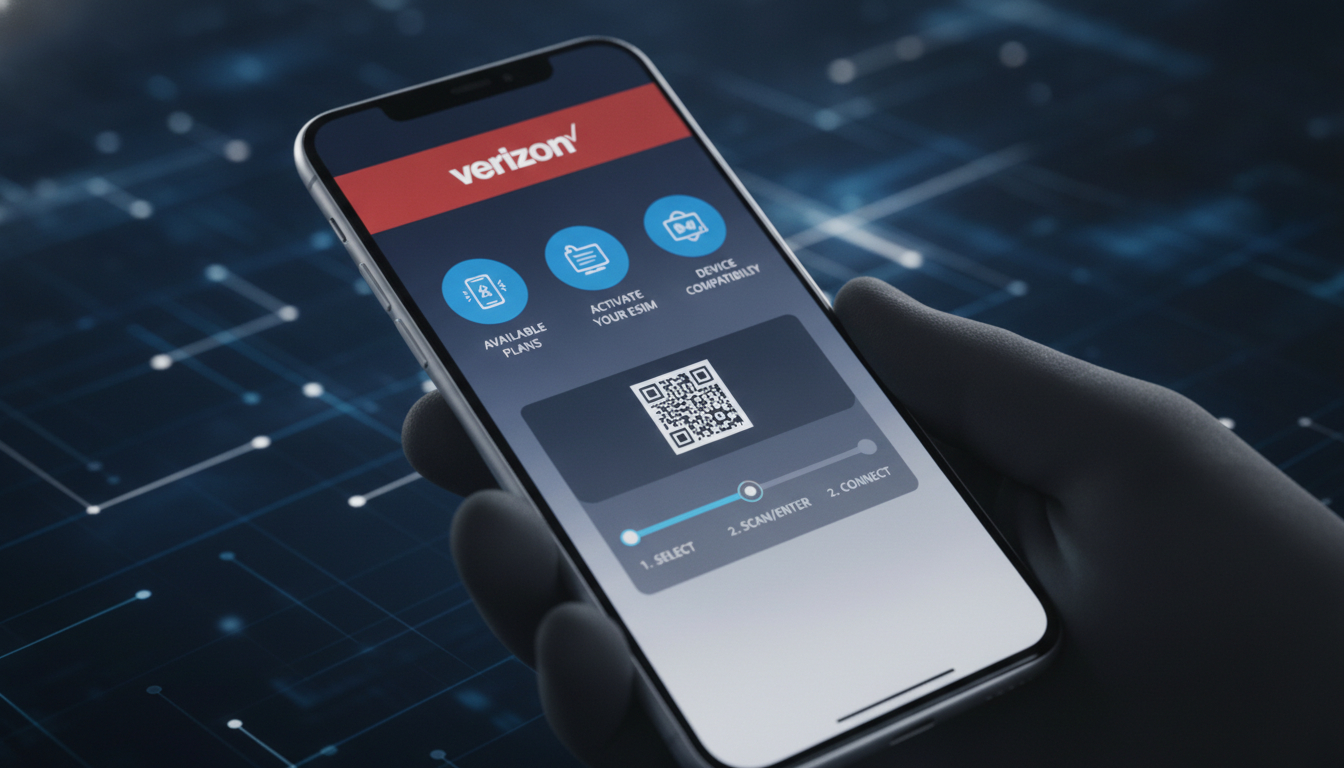
In short, what you'll discover in this article: Learn everything about the Verizon eSIM, including compatible devices, activation steps, plans, and roaming options. Understand how to switch smoothly and why Verizon’s eSIM might be the perfect choice for your next phone plan.
1. Introduction — What Is an eSIM and Why Choose Verizon
An eSIM (embedded SIM) is a digital SIM card built into your device that lets you activate a cellular plan without needing a physical SIM card. Verizon’s eSIM service offers a convenient way to manage your phone plan, especially if you want to avoid swapping physical SIMs when traveling or upgrading devices.
Choosing Verizon eSIM means tapping into one of the largest and most reliable networks in the US, with easy activation and flexible plans tailored for both prepaid and postpaid customers.
2. Compatibility — Which Devices Work With Verizon eSIM
2.1 iPhone (Models and iOS Versions Required)
Verizon eSIM is compatible with many recent iPhone models, starting from the iPhone XS, XS Max, XR, and newer. To use the Verizon eSIM, your iPhone must be running at least iOS 12.1 or later.
This includes all iPhone 11, 12, 13, and 14 series models. The eSIM feature allows dual SIM functionality on these devices, so you can use both a physical SIM and an eSIM simultaneously.
2.2 Android (Samsung, Google Pixel, Other Compatible Models)
Several Android phones support Verizon eSIM as well. Popular models include Samsung Galaxy S20 and newer, Google Pixel 3 and above, and select Motorola and OnePlus devices with eSIM capability.
Make sure your device’s software is updated to the latest version to ensure smooth activation.
2.3 Smartwatches and Other Compatible Devices
Verizon also supports eSIM on select smartwatches like the Apple Watch Series 3 and later models paired with an iPhone on Verizon’s network. Some tablets and laptops with cellular connectivity may also support Verizon eSIM profiles.
3. Before Activation — Checks and Preparations
3.1 Verizon Account Requirements (Postpaid vs Prepaid)
To activate a Verizon eSIM, you need an active Verizon account. Both postpaid and prepaid customers can use eSIMs; however, prepaid activation steps may differ slightly.
It’s important to verify your account status before proceeding.
3.2 Backing Up and Managing Your Current SIM
Before switching to an eSIM, back up any important contacts or data stored on your physical SIM card. You’ll want to keep your current SIM active until the eSIM is fully set up to avoid losing service.
3.3 Necessary Software Updates
Ensure your device’s operating system is up to date with the latest software version recommended by Verizon for optimal compatibility with their eSIM service.
4. Buying and Activating a Verizon eSIM — Step-by-Step Guide
4.1 Buying Online: Steps and Receiving Your QR/Activation Code
You can purchase a Verizon eSIM online through Verizon’s official website or authorized retailers. After purchase, you will receive a QR code or activation code via email or through the My Verizon app.
4.2 Activation via the Verizon App / In-Store
Activation is straightforward using the My Verizon app, which guides you through each step of setting up your eSIM profile on your device. Alternatively, you can visit a Verizon store for in-person assistance.
4.3 Activation by QR Code: Detailed Procedure (iOS/Android)
To activate via QR code:
- Open Settings on your device.
- Go to Cellular or Mobile Data.
- Select Add Cellular Plan.
- Scan the QR code provided by Verizon.
- Follow on-screen prompts to complete activation.
This process works similarly on both iOS and compatible Android devices.
5. Transferring or Replacing a Verizon eSIM
5.1 Transferring Between Devices — Steps and Limitations
Transferring an active Verizon eSIM from one device to another requires deactivating it on the old device first through your account settings or app, then activating it anew on the new device using a fresh QR code or activation method provided by Verizon.
5.2 Replacement in Case of Loss/Theft — How to Revoke a Profile
If your device is lost or stolen, immediately contact Verizon customer support to revoke your current eSIM profile to prevent unauthorized use and request a replacement activation code for your new device.
6. Pricing, Plans, and Differences (Postpaid vs Prepaid)
6.1 Data Plans, International Options, and Add-Ons
Verizon offers various data plans compatible with their eSIM service ranging from basic data packages to unlimited plans for both postpaid and prepaid users. International roaming add-ons are available but may vary in cost depending on destination.
6.2 Quick Comparison With Other US Operators’ eSIMs
While other US carriers like AT&T also provide eSIM services, Verizon stands out for its extensive network coverage and straightforward activation process.
For travelers looking for flexible data-only plans in the US including options from providers like JamboSim or Yatelo that offer competitive prices starting around $5 for 3 GB over 30 days, checking platforms like MyBestSim can help find the best deals tailored for short-term needs.
7. Roaming and International Use With Verizon eSIM
7.1 Roaming Activation, Costs, and Coverage
Verizon’s eSIM supports international roaming in many countries worldwide but activating roaming requires enabling it through your account settings or contacting customer service beforehand to avoid unexpected charges.
8. Troubleshooting — Common Errors and Solutions
8.1 QR Code Not Detected / Profile Not Found
If your device fails to scan the QR code or cannot find the profile during setup:
- Verify the QR code is clear.
- Restart your device.
- Ensure internet connectivity during activation.
- Contact Verizon support if issues persist.
8.2 No Signal After Activation / Network Activation Problems
If you experience no signal after activating your Verizon eSIM:
- Check if airplane mode is off.
- Confirm that cellular data is enabled.
- Restart your phone.
- Verify account status with Verizon.
- Reset network settings if necessary.
8.3 What To Do Before Contacting Verizon Support
Try basic troubleshooting steps such as restarting devices or re-scanning QR codes before reaching out to customer support for faster resolution.
9. Security and Privacy of the Verizon eSIM
9.1 Carrier Locking and Measures in Case of Theft
Verizon locks its eSIM profiles to their network but offers security features like remote deactivation if your phone is lost or stolen to protect your data.
9.2 How To Delete or Revoke an eSIM Profile
You can delete an installed eSIM profile directly from your device’s cellular settings or revoke it remotely via your Verizon account portal or customer service.
10. Conclusion — Summary and Call To Action
Verizon’s eSIM offers a modern way to manage mobile connectivity with ease of activation, broad device compatibility, flexible plans, and secure management options ideal for those upgrading phones or traveling frequently. To ensure a smooth transition, check if you have a Verizon eSIM compatible device first and follow their detailed setup guide available online or through their app.
For more information on how to get started with an eSIM in Peru or other destinations, explore our detailed guides such as how to get an eSIM in Peru that complement this overview perfectly.
11. Resources and Useful Links (Verizon Support, Official Guides, Firmware Updates)
For official instructions on activating your embedded SIM card on the Verizon network visit Verizon's official support page.
To activate a prepaid Verizon eSIM quickly using their app check Verizon Prepaid’s official guide.
For travelers interested in affordable US data plans including those compatible with Verizon networks consider checking MyBestSim’s comparison platform which ranks providers like Roamic (#1), Orange Travel (#2), Yesim (#3), Yatelo (#17), among others offering discounts via promo codes such as MYBESTSIM20 for Yesim.
Key Takeaways:
- The benefits of Verizon eSIM include convenience of no physical card swapping plus dual SIM capabilities.
- The Verizon eSIM activation process is user-friendly via app or QR code scanning.
- Compatible devices span recent iPhones, Samsung Galaxy phones, Google Pixels, smartwatches.
- Plans vary between prepaid/postpaid with international roaming options.
- Troubleshooting tips help resolve common setup issues quickly.
- Security features protect against theft by allowing remote revocation of profiles.
By understanding these essentials about how to switch to a Verizon eSIM you can confidently upgrade your mobile experience while enjoying one of America’s top cellular networks.
This comprehensive guide ensures you have all necessary information about the cost of a Verizon eSIM, compatibility details, setup instructions, roaming capabilities, troubleshooting advice, plus security considerations—making switching hassle-free.
For related travel-specific insights about using an eSIM Peru during trips abroad visit our dedicated Peru travel page where you’ll find tailored recommendations for staying connected seamlessly while exploring South America’s highlights.
Unlock convenience today by choosing the benefits of Verizon eSIM combined with expert guidance from trusted sources like MyBestSim!
FAQ
Which devices are compatible with Verizon eSIM?
Verizon eSIM works with recent iPhones from XS and newer, Samsung Galaxy S20 and above, Google Pixel 3+, and select smartwatches like Apple Watch Series 3 or later. Ensure your device software is updated for smooth activation.
How do I activate a Verizon eSIM on my phone?
You can activate a Verizon eSIM by scanning the QR code via your device’s cellular settings or using the My Verizon app. Follow the on-screen prompts to complete setup, or visit a Verizon store for in-person help.
Can I transfer my Verizon eSIM to a new device?
Yes, but you must first deactivate the eSIM on your old device through your Verizon account or app. Then, activate it on the new device using a new QR or activation code provided by Verizon.
What plans are available for Verizon eSIM users?
Verizon offers various prepaid and postpaid plans compatible with eSIM, including unlimited data and international roaming options. Pricing and add-ons vary, so check Verizon’s website for the latest offers.
How do I troubleshoot no signal after activating Verizon eSIM?
If you have no signal, ensure airplane mode is off, cellular data is enabled, and restart your device. Verify your account status with Verizon and reset network settings if needed before contacting support.

Diego Ramirez
Diego is a South America travel writer. At Peru eSIM he compares Claro, Movistar, Entel and Bitel coverage from Lima to Machu Picchu.