Explore T Mobile Portable Internet Options for Fast Connection
8/5/2026
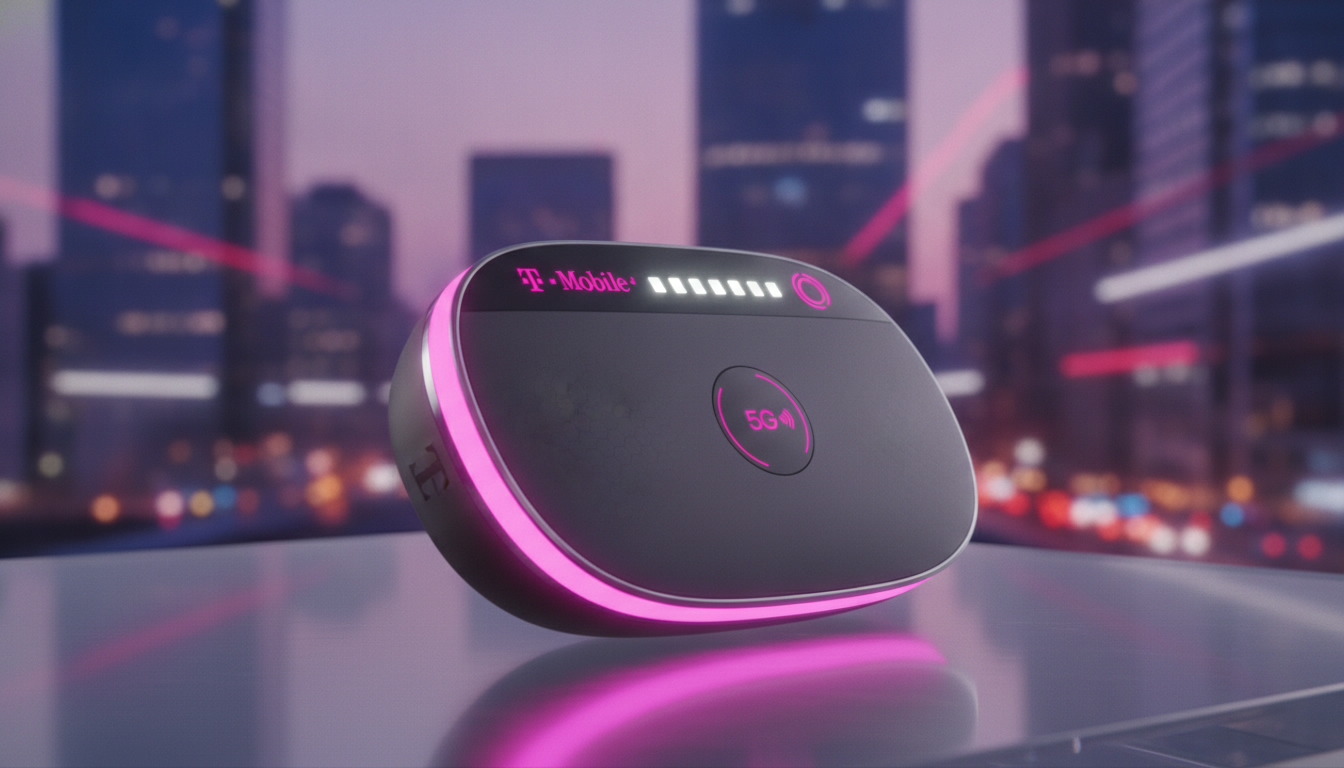
In short, what you'll discover in this article: Explore T-Mobile portable internet options tailored for travelers and remote workers. Learn about plans, devices, coverage, speeds, setup tips, and how to choose the best T-Mobile portable internet solution for your mobile lifestyle.
1. Introduction — What Is T-Mobile Portable Internet and Who Is It For?
T-Mobile portable internet offers wireless connectivity solutions designed to keep you online wherever you go. Whether you’re traveling, working remotely, or simply need reliable internet access outside your home, T-Mobile provides various options such as mobile hotspots (MiFi devices), portable routers, and data plans tailored for on-the-go use.
This service is ideal for frequent travelers, digital nomads, students, and anyone who requires dependable internet without relying solely on public Wi-Fi or exhausting their phone’s data plan.
2. T-Mobile Portable Internet Plans and Offers
2.1 Presentation of Plans (Prepaid vs Postpaid)
T-Mobile offers both prepaid and postpaid portable internet plans to suit different needs and budgets. Prepaid plans provide flexibility without long-term commitments, perfect for short trips or occasional use.
Postpaid plans often include higher data allowances and additional perks but require a contract or monthly billing.
2.2 Data Volume, Speeds, and Pricing — How to Compare
When comparing the T-Mobile portable internet plans, consider:
- Data allowance: Plans typically range from limited high-speed data (e.g., 100GB) to unlimited options with throttling after a threshold.
- Speed: Most plans leverage T-Mobile’s 5G network for fast downloads and uploads; however, speeds may vary based on location and network congestion.
- Price: Monthly costs depend on data volume and plan type; for example, a 100GB data plan may cost around $50/month with additional roaming benefits in Canada and Mexico.
For the most current details on pricing and data packages, visit T-Mobile’s hotspot plans page.
3. Compatible Devices and How to Choose
3.1 Mobile Hotspots (MiFi) — Key Features to Look For
A T-Mobile portable internet device like a mobile hotspot (MiFi) is compact and battery-powered, allowing multiple devices to connect simultaneously via Wi-Fi. When selecting a hotspot:
- Check battery life for all-day use.
- Look for 5G compatibility to maximize speed.
- Consider the number of device connections supported.
- Evaluate ease of setup and portability.
3.2 4G/5G Routers and 5G Home Gateways — Advantages and Limits
Portable routers or 5G home gateways offer more robust connectivity with stronger antennas and support for more devices but are typically larger than MiFi hotspots. They are suitable if you need a stable connection in one location but still want portability.
3.3 Physical SIM vs eSIM — Compatibility and Activation
T-Mobile supports both physical SIM cards and eSIM technology for portable internet devices. eSIMs offer easier activation without swapping physical cards — ideal for travelers switching between plans or countries. For detailed guidance on eSIM options abroad, check out how to get an eSIM in Peru.
4. Coverage and Real-World Performance
4.1 Using the T-Mobile Coverage Map and Local Factors
T-Mobile’s coverage extends widely across the U.S., including many rural areas thanks to its extensive 5G network. However, local factors such as building materials, terrain, or weather can affect signal strength.
Always consult the official coverage map before purchasing a plan or device.
4.2 Speed Test Results (Examples and Methodology)
Independent speed tests show that T-Mobile portable internet can deliver impressive download speeds on its 5G network but may slow down during peak hours or in congested areas. Testing your device in typical usage locations is recommended to gauge actual performance.
5. Installation and Activation Step-by-Step
5.1 Unboxing and Initial Setup of a Hotspot
Setting up a T-Mobile hotspot is straightforward:
- Charge the device fully.
- Insert the SIM card or activate the eSIM via app or website.
- Power on the hotspot.
- Connect your smartphone or laptop by selecting the hotspot’s Wi-Fi network.
- Enter the password provided with the device.
5.2 Wi-Fi Settings, Connection Sharing, and Device Limits
Most hotspots allow you to customize Wi-Fi names (SSID) and passwords for security. They support multiple simultaneous connections—typically up to 10 devices—but performance may degrade as more devices join.
6. Optimization Tips and Security
6.1 Positioning/Antenna Tips to Improve Signal
To maximize signal strength:
- Place your hotspot near windows or higher floors.
- Avoid thick walls or metal objects blocking signals.
- Use external antennas if supported by your router model.
6.2 Securing Your Hotspot (Password, VPN, Guest Network)
Protect your connection by:
- Setting a strong Wi-Fi password.
- Enabling WPA3 encryption if available.
- Using VPN services for secure browsing.
- Creating guest networks to separate visitors from your main devices.
7. Comparison With Alternatives
7.1 T-Mobile vs Other Carriers (Coverage, Price, Performance)
T-Mobile stands out with its growing nationwide 5G coverage and competitive pricing on portable internet plans compared to other U.S carriers like Verizon or AT&T. However, coverage quality varies by region; some users might prefer alternatives based on local availability.
7.2 Portable Internet vs Fixed 5G/ADSL/Fiber — When to Choose What
Portable internet is perfect for mobility but may not match fixed broadband speeds or consistency at home or office locations where fiber or ADSL is available.
8. Use Cases and Practical Recommendations
8.1 Best Setups for Streaming, Remote Work, Gaming, Travel
- For streaming: Choose a plan with high data limits (e.g., 100GB+) and a fast MiFi device supporting T-Mobile’s 5G.
- For remote work: Prioritize stable routers with strong antennas; consider backup power banks.
- For gaming: Low latency connections matter—test speeds beforehand.
- For travel: Lightweight hotspots with eSIM support simplify switching networks internationally; see our guide on Peru travel eSIMs.
9. Common Issues and Troubleshooting
If your T-Mobile portable internet experiences slow speeds or connectivity drops:
- Restart your device regularly.
- Check for software updates.
- Move closer to windows or outdoor areas.
- Reset network settings if needed.
- Contact T-Mobile support if problems persist.
10. Conclusion and Call to Action
T-Mobile portable internet offers versatile solutions combining fast speeds, flexible plans, and reliable coverage ideal for mobile lifestyles. Whether you choose a mobile hotspot or a router with an eSIM subscription depends on your usage needs and travel habits.
Explore current offers directly from T-Mobile or compare options via trusted platforms like MyBestSim to find the best fit for staying connected anywhere you go.
For more detailed information about eSIMs tailored for Peru travel in 2026, visit esim-peru.com.
FAQ
What types of T-Mobile portable internet plans are available?
T-Mobile offers both prepaid and postpaid portable internet plans. Prepaid plans provide flexibility without contracts, ideal for short-term use, while postpaid plans offer higher data limits and perks but require monthly billing.
Which devices are compatible with T-Mobile portable internet?
Compatible devices include mobile hotspots (MiFi), portable 4G/5G routers, and 5G home gateways. Choose based on portability, battery life, number of supported connections, and whether you need 5G speeds.
How does T-Mobile’s coverage affect portable internet performance?
T-Mobile’s extensive 5G network covers most U.S. areas, including rural regions. However, signal strength can vary due to local factors like building materials or terrain, so checking the coverage map before purchase is recommended.
What are the steps to set up a T-Mobile mobile hotspot?
To set up a hotspot, fully charge the device, insert the SIM or activate the eSIM, power it on, connect your device to its Wi-Fi network, and enter the provided password. Setup is quick and user-friendly.
How can I secure my T-Mobile portable internet connection?
Secure your connection by setting a strong Wi-Fi password, enabling WPA3 encryption if available, using a VPN for privacy, and creating guest networks to keep visitors separate from your main devices.

Diego Ramirez
Diego is a South America travel writer. At Peru eSIM he compares Claro, Movistar, Entel and Bitel coverage from Lima to Machu Picchu.