Starlink for Short Vs. Long Peru Stays: What Changes?
11/17/2026
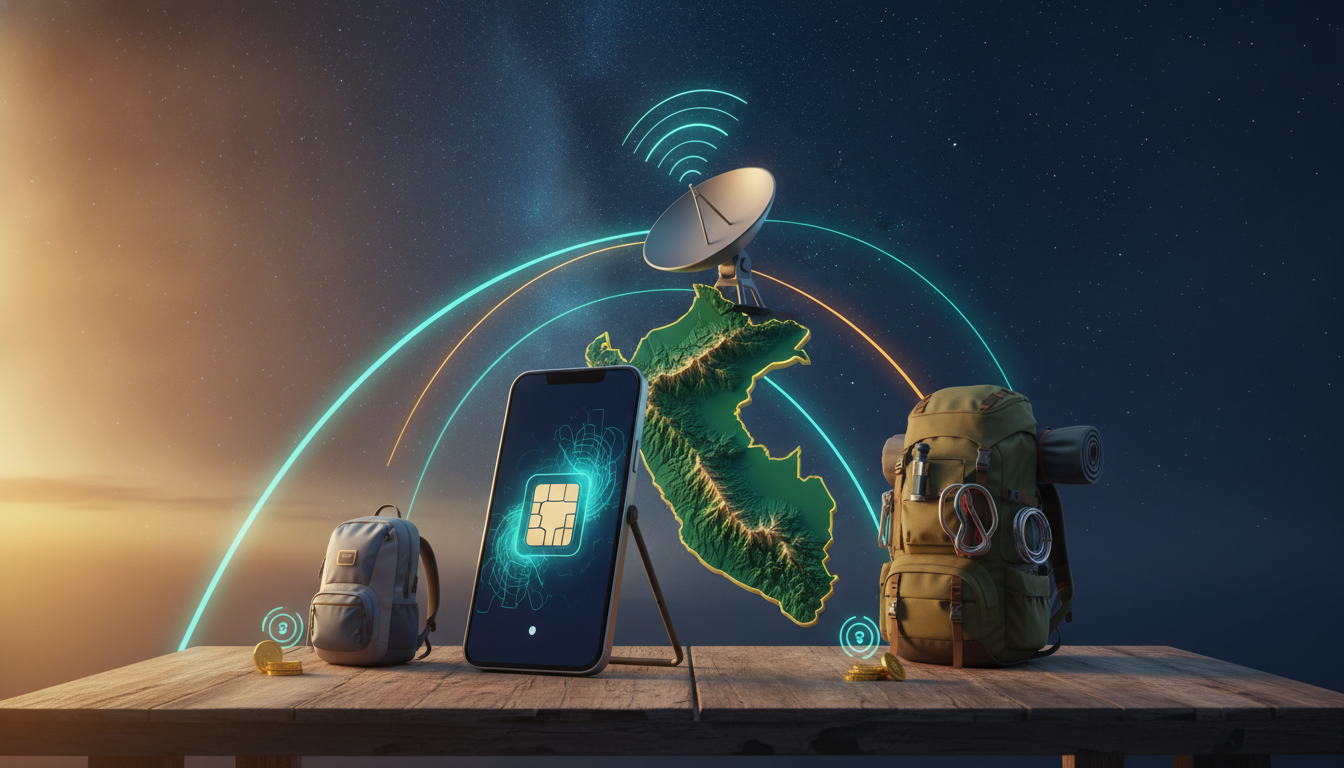
Starlink is built for a fixed or mobile internet connection, not as a short-term Peru travel data plan. For a brief stay, a Peru eSIM is usually simpler and cheaper; for a long rural stay, Starlink becomes relevant only when cellular coverage cannot support work, calls, or streaming.
The table below shows verified Peru eSIM options listed by MyBestSim, including 3 GB for 30 days from $4.99 and a 1-day 3 GB option for $2.99.
| Provider | Data | Validity | Price |
|---|---|---|---|
| eSIM.dog | 3 GB | 1 day | $2.99 |
| JamboSim | 3 GB | 30 days | $4.99 |
| Yatelo | 3 GB | 30 days | $5.61 |
| Redtea | 3 GB | 30 days | $6.55 |
| LinkeSIM | 3 GB | 31 days | $6.60 |
| Breeze | 3 GB | 30 days | $6.99 |
| 4S eSIM | 3 GB | 30 days | $7.15 |
| CocoRoam | 3 GB | 30 days | $8.60 |
Why Starlink Works Differently for a Short Peru Stay
Starlink satellite internet uses a Starlink satellite dish, a router, power equipment, and an unobstructed view of the sky. That makes it fundamentally different from an eSIM, which uses a compatible phone and a local mobile network.
For a short visit, the equipment is the first problem. You need to transport the Starlink hardware, position the dish correctly, connect the router, and keep the system powered. An eSIM can be installed before departure and activated when you land. My Peru travel eSIM guide is more relevant when the real requirement is keeping a phone online between Lima, Cusco, and other stops.
A one-day or one-week trip
A short stay usually favors an eSIM for four practical reasons:
- There is no dish to carry or align.
- Activation can happen on a compatible unlocked phone.
- The connection follows the cellular network rather than requiring open sky.
- The cost is visible before purchase.
The eSIM.dog 3 GB, 1-day offer costs $2.99, while several 30-day plans cost between $4.99 and $8.60. Those are concrete options for maps, messaging, ride-hailing, email, and moderate browsing.
They do not turn a phone into a fixed broadband replacement, but they avoid roaming charges without adding hardware to your luggage.
I always start by separating the access problem from the speed problem. If you only need navigation and messaging, Starlink is excessive.
If you need a dependable connection for a remote property, the calculation changes.
When a short stay justifies Starlink
Starlink can make sense for a short project when the location has no usable mobile signal, electricity is available, and the equipment can remain in place. It is a poor fit for moving through Peru with a daypack because the dish needs a stable setup and a clear sky view.
The Starlink support material describes use for streaming, video calls, gaming, and other high-bandwidth activities. That does not mean every temporary location will perform identically: trees, buildings, terrain, weather, and network demand can interrupt the satellite link.
If the dish repeatedly loses its view of the sky, the mechanism is simple—the antenna cannot maintain a clean satellite path—and the consequence is buffering or dropped calls.
What Changes During a Long Rural Stay
For a long stay, compare Starlink residential service with local mobile data rather than comparing Starlink directly with a travel SIM. The question becomes whether satellite broadband solves a persistent access problem.
SpaceX’s Starlink service is designed to deliver internet through a satellite dish and router. The installation process depends on finding a position with minimal obstruction.
A roof, pole, balcony, or open ground may be possible, but the correct choice depends on the property and the mounting method permitted there.
Starlink installation and hardware constraints
The installation is not just “plug in the router.” The dish must be placed where its sky view remains clear throughout the day. A location that looks open at ground level can still be blocked by a roof edge or nearby trees when the antenna changes orientation.
I would advise against placing the dish beneath a canopy and assuming occasional gaps are sufficient. When foliage blocks the satellite path, the system records obstructions; the concrete result is repeated service interruptions even though the Wi-Fi signal inside the building remains strong.
The Starlink Standard Kit V4 is a named hardware reference appearing in retail listings, while Starlink’s own support documentation covers residential and on-the-go use. Before ordering, check the service address and current equipment requirements directly in Starlink’s availability checker.
Hardware availability, service eligibility, and monthly charges vary by country and plan.
Long-stay mobile data as the fallback
Mobile coverage can be the better long-stay choice when the property sits near a reliable Claro, Movistar, Entel, or Bitel signal. The deciding test is not the brand name on the package; it is whether the phone or hotspot holds a stable connection at the exact building where you will work.
My Peru eSIM comparison lists current short-duration data options and helps separate low-cost travel packages from plans intended for longer validity. The offers shown above include 30-day and 31-day validity, which matters when a trip crosses a calendar month or when you do not want to reinstall a plan after four weeks.
Coverage, Speed, and the Real Installation Trade-Off
A Starlink coverage map does not answer every practical question. Availability at an address means the service can be ordered there; it does not guarantee uninterrupted performance at every mounting position.
The dish still needs a clear sky view, and the property still needs power.
Starlink internet speed is also affected by congestion and obstructions. A clear installation in a low-demand area can behave differently from a crowded cell or a partially blocked dish.
For video calls, the critical failure is often not average download speed but brief interruptions: a call can freeze when the connection drops for a moment, even if a later speed test looks excellent.
I always check the physical path before judging the internet plan:
- Place the dish where the sky view is widest, not where the cable route is shortest.
- Power the hardware and wait for the system to complete its startup.
- Check the Starlink application for obstruction warnings.
- Run a video call during the hours you will actually work.
- Move the dish if the call freezes or the app reports repeated blocked views.
The sign that the installation is working is not merely a Wi-Fi network appearing on your phone. It is a stable connection through the activity that matters—voice calls, remote desktop, file uploads, or streaming.
For a phone-based setup, the mechanism is different. The eSIM profile connects to a partner mobile network, so buildings, valleys, and local tower coverage control the result.
In a mountainous route, a plan can work in a town and fail shortly after leaving it; that is a radio-coverage limitation, not an eSIM installation error.
Discounts and Activation Without Roaming Charges
MyBestSim lists verified promotional entries for several Peru eSIM providers. The code MYBESTSIM is shown for:
- Airalo: 10% off unlimited
- nadanada: 15% off unlimited
- Yatelo: 15% off unlimited
- Orange Travel: 5% off unlimited
- eSIMo: 20% off unlimited
- Maya: 10% off unlimited
The discount applies only where the provider and offer conditions accept it, so check the offer details before payment. Do not assume that an “unlimited” label removes all restrictions; speed policies, validity, and fair-use conditions belong to the provider’s terms.
For activation, use this sequence:
- Confirm that the phone supports eSIM and is carrier-unlocked.
- Install the profile while connected to Wi-Fi.
- Keep your primary SIM available for account recovery if needed.
- Select the Peru eSIM for mobile data after landing.
- Disable data roaming on the primary line.
- Test a webpage before leaving the airport or hotel Wi-Fi.
On an iPhone, leaving the home SIM selected for data can trigger roaming even when the Peru eSIM is installed. I check the data-line selector and roaming toggle before boarding because the costly mistake happens when the phone silently keeps using the original carrier.
For a longer stay, keep the original number active only if you need calls or text messages, but prevent it from becoming the data line. For a fixed rural home, Starlink remains the more suitable category when mobile networks cannot deliver a usable connection and the dish can stay installed with an unobstructed sky view.
FAQ
Is Starlink practical for a short trip through Peru?
Usually not. Starlink requires a dish, router, power source, and unobstructed sky, making it cumbersome for travelers moving between cities. A Peru eSIM is generally easier for maps, messaging, ride-hailing, email, and browsing, with listed options starting at $2.99 for one day.
How much do Peru eSIM plans typically cost?
Verified listings include 3 GB plans from $4.99 for 30 days, while a one-day 3 GB option costs $2.99. Other 30-day offers range up to $8.60. Prices and promotional terms can change, so confirm the provider’s conditions before completing checkout.
When does Starlink make sense in rural Peru?
Starlink becomes more relevant for a long rural stay when local mobile networks cannot support work, calls, streaming, or remote access. It requires reliable electricity and a permanent installation with minimal obstructions. If Claro, Movistar, Entel, or Bitel works reliably at the property, mobile data may be simpler.
Can trees or buildings interrupt Starlink service?
Yes. Trees, roof edges, terrain, and nearby structures can block the dish’s satellite path, causing buffering, frozen video calls, or repeated disconnections. Use the Starlink application to identify obstruction warnings, then test the connection during actual work hours and relocate the dish if interruptions continue.
How can travelers avoid roaming charges with a Peru eSIM?
Install the eSIM over Wi-Fi, select it as the mobile-data line after landing, and disable data roaming on the primary SIM. Keep the original line active only when necessary for calls or texts. Before leaving Wi-Fi, open a webpage to confirm the Peru profile is providing data.

Diego Ramirez
Diego is a South America travel writer. At Peru eSIM he compares Claro, Movistar, Entel and Bitel coverage from Lima to Machu Picchu.