Lotsotravel eSIM Compatibility and Device Limits in Peru 2026
10/12/2026
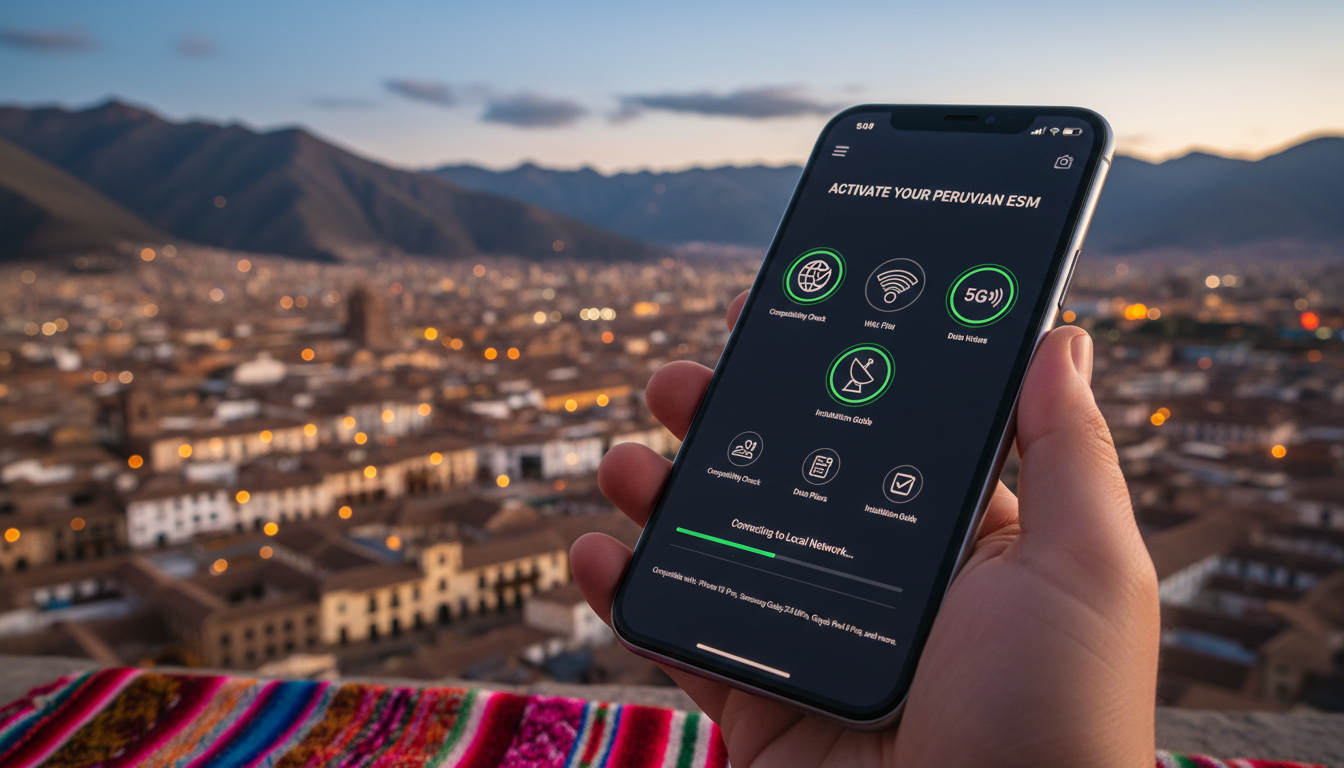
Device Compatibility and Technical Limits for Using Lotsotravel eSIM Data Plans in Peru
If you’re planning to use Lotsotravel eSIM data plans in Peru, the first question is whether your smartphone or device supports activation and will deliver optimal connectivity. Lotsotravel offers instant eSIM data plans for over 190 countries, including Peru, without the hassle of SIM swapping or roaming charges.
However, not every device is ready to take full advantage of this service. Knowing the technical requirements and limitations is essential to avoid connectivity issues during your trip.
Which Devices Are Compatible With Lotsotravel eSIMs?
Lotsotravel’s service relies on eSIM technology, which means your device must have an embedded SIM chip that supports remote provisioning according to GSMA specifications. Here are the key compatibility points:
-
eSIM-Enabled Smartphones: Most recent flagship smartphones from Apple (iPhone XS and later), Google Pixel (Pixel 3 and later), and Samsung Galaxy (S20 and later) support eSIM activation. These devices comply with GSMA’s SGP.22 specification for remote SIM provisioning, which governs how eSIM profiles are downloaded and managed.
-
Tablets and Laptops: Some tablets like the iPad Pro (2018 onward) and laptops such as Microsoft Surface Pro X also support eSIMs, but compatibility varies by model and carrier support.
-
Wearables: A few smartwatches with cellular capabilities (e.g., Apple Watch Series 3 and later) support eSIMs but often require activation through a paired smartphone carrier plan, limiting standalone use with Lotsotravel.
Important Device Limitations
-
Single eSIM Profile Active at a Time: Most devices allow only one active eSIM profile alongside a physical SIM. If your device has multiple profiles stored, switching between them requires manual toggling in settings, which can interrupt connectivity.
-
No App Required: Unlike some competitors, Lotsotravel does not require a dedicated app for activation. The eSIM profile is installed by scanning a QR code provided after purchase. This reduces compatibility issues related to app availability but means your device must support native eSIM management.
-
Operating System Requirements: Activation depends on your device’s operating system supporting eSIM functionality. For example, iOS 12.1 or later and Android 10 or later generally provide native eSIM support, but manufacturer customizations can affect this.
Technical Constraints That Affect Connectivity in Peru
Even if your device supports eSIMs, several technical factors influence how well Lotsotravel data plans perform in Peru:
Network Compatibility
Peru’s mobile networks operate primarily on GSM standards with LTE bands including Band 28 (700 MHz), Band 4 (1700/2100 MHz), and Band 7 (2600 MHz). Your device must support these bands to achieve optimal coverage.
-
Many unlocked international smartphones include these bands, but some devices purchased in other regions may lack Band 28 or Band 7 support, leading to slower speeds or limited coverage outside urban centers.
-
Lotsotravel uses local Peruvian carriers’ infrastructure via roaming agreements. This means your device’s radio firmware must be compatible with these carriers’ network protocols; otherwise, you may face connection drops or inability to register on the network.
Data Plan Activation Window
Lotsotravel data plans have specific validity periods starting from activation. For instance, a typical plan might offer 1 GB of data valid for 5 days or larger plans valid for up to 30 days.
The activation process requires:
-
A stable internet connection at the time of scanning the QR code to download the profile fully.
-
Devices that do not complete profile installation within a certain timeframe may require reissuing the QR code.
Dual SIM Management Pitfalls
If you use a physical SIM alongside the Lotsotravel eSIM, some devices prioritize one SIM for data by default. You must manually select the Lotsotravel eSIM as your preferred data line in settings; otherwise, you risk incurring roaming charges on your physical SIM or losing data connectivity.
How to Check Your Device’s Compatibility Before Buying a Lotsotravel Plan
To avoid surprises, I always start by verifying three things:
-
Check Your Device Model Against Official Lists: Apple publishes a list of iPhones supporting eSIM since iPhone XS; Google and Samsung provide similar documentation online. Confirm your exact model supports multiple profiles if you plan to keep your physical SIM active simultaneously.
-
Verify Supported LTE Bands: Use tools like GSMArena or your manufacturer’s specifications to confirm that your device supports Peru’s main LTE bands (28, 4, 7). Lack of these bands will limit coverage quality even if the eSIM activates correctly.
-
Test Native eSIM Functionality: On iOS or Android settings, look for “Add Cellular Plan” or “Mobile Network” options that allow scanning an eSIM QR code. If this option is missing or greyed out, your device likely cannot use Lotsotravel’s service without third-party apps or workarounds.
Common Mistakes That Cause Activation Failures
-
Attempting to install an eSIM profile while connected only to Wi-Fi networks with captive portals (e.g., hotel login pages) can interrupt profile download due to authentication requirements.
-
Overlooking that some devices lock eSIM functionality behind carrier restrictions—especially phones bought under contract—can prevent activation even if hardware supports it.
-
Forgetting to disable airplane mode before scanning the QR code leads to failed profile downloads because cellular radios are off.
Managing Connectivity Limits With Lotsotravel Plans in Peru
Lotsotravel provides fixed-data plans without voice services or SMS capabilities. This limits usage scenarios but simplifies technical requirements:
-
No need for voice network compatibility means devices without GSM voice support still work fine for data-only plans.
-
Data speeds depend on local carrier infrastructure; even with compatible devices, rural areas may have slower LTE or fallback to 3G/2G networks where supported.
-
The absence of roaming charges means you won’t face unexpected bills if you accidentally use data outside plan validity—but you will lose connectivity once data runs out unless you top up or buy another plan.
Integrating Lotsotravel Into Your Travel Tech Setup
For travelers who want seamless connectivity from Lima to Machu Picchu without swapping physical SIMs, Lotsotravel offers convenience but demands preparation:
-
I recommend pairing your Lotsotravel plan with a local Peruvian provider’s coverage map—Claro, Movistar, Entel, Bitel—to understand where LTE bands are strongest relative to your device’s capabilities.
-
If you want detailed guidance on using eSIMs specifically in Peru, resources like this guide on how to get an eSIM in Peru provide step-by-step instructions tailored to local conditions.
-
For travelers who prefer comprehensive travel tips alongside connectivity solutions, consulting the Lotsotravel blog can offer insights into destinations and practical advice beyond just data plans.
Troubleshooting Device Issues With Lotsotravel Activation
When activation fails or connectivity is unstable despite compatible hardware:
Step-by-Step Troubleshooting
-
Confirm Profile Installation: Go into cellular settings and verify that the Lotsotravel profile appears as active after scanning the QR code. If it shows as pending or inactive, retry downloading over an unrestricted internet connection.
-
Switch Preferred Data Line: Ensure the Lotsotravel eSIM is set as the default line for mobile data; otherwise, your phone may default back to a physical SIM causing no internet access via the new plan.
-
Restart Device After Installation: Some devices require a reboot post-profile installation for network registration processes to complete properly.
-
Check Network Signal Strength: If you see no signal bars or “No Service,” verify that airplane mode is off and that your device supports local LTE bands as discussed earlier.
-
Update Device Software: Outdated operating systems can cause bugs affecting eSIM management; updating iOS or Android often resolves such issues.
Field Observation: When You Activate Late at Night in Remote Areas
Activating an eSIM plan late at night in rural Peruvian zones often results in failed network registration because local cell towers enter low-power modes reducing signal availability temporarily. Activating during daylight hours improves chances of immediate connection due to increased tower activity—a detail I always keep in mind when advising travelers about timing their activation steps.
Using Lotsotravel’s instant eSIM service can greatly simplify staying connected throughout Peru if your device meets compatibility requirements and you understand its technical limits. For more detailed comparisons of local providers’ coverage and tips on managing connectivity during Peruvian travels, check out this detailed review of Peru travel eSIM options.
FAQ
Which devices support Lotsotravel eSIM activation?
Most recent flagship smartphones like iPhone XS and later, Google Pixel 3 and later, and Samsung Galaxy S20 and newer support Lotsotravel eSIM activation. Some tablets and laptops also support eSIMs, but compatibility depends on the model and carrier support.
What LTE bands are required for Lotsotravel in Peru?
Devices must support LTE bands 28 (700 MHz), 4 (1700/2100 MHz), and 7 (2600 MHz) to ensure optimal coverage with Lotsotravel in Peru. Lack of these bands can cause slower speeds or limited connectivity outside urban areas.
How do I activate a Lotsotravel eSIM data plan?
Activation requires scanning a QR code provided after purchase using your device’s native eSIM management feature. A stable internet connection is needed during installation, and the device must support eSIM functionality without needing a dedicated app.
Can I use Lotsotravel eSIM alongside a physical SIM card?
Yes, but only one eSIM profile can be active at a time alongside a physical SIM. You must manually select the Lotsotravel eSIM as your preferred data line in settings to avoid roaming charges or connectivity issues.
What common issues cause Lotsotravel eSIM activation failures?
Activation can fail if done on Wi-Fi networks with captive portals, if the device has carrier restrictions on eSIM use, or if airplane mode is enabled during installation. Ensuring these factors are addressed improves activation success.

Diego Ramirez
Diego is a South America travel writer. At Peru eSIM he compares Claro, Movistar, Entel and Bitel coverage from Lima to Machu Picchu.