How to Use an eSIM Code for Mobile Data in 2026
9/25/2026
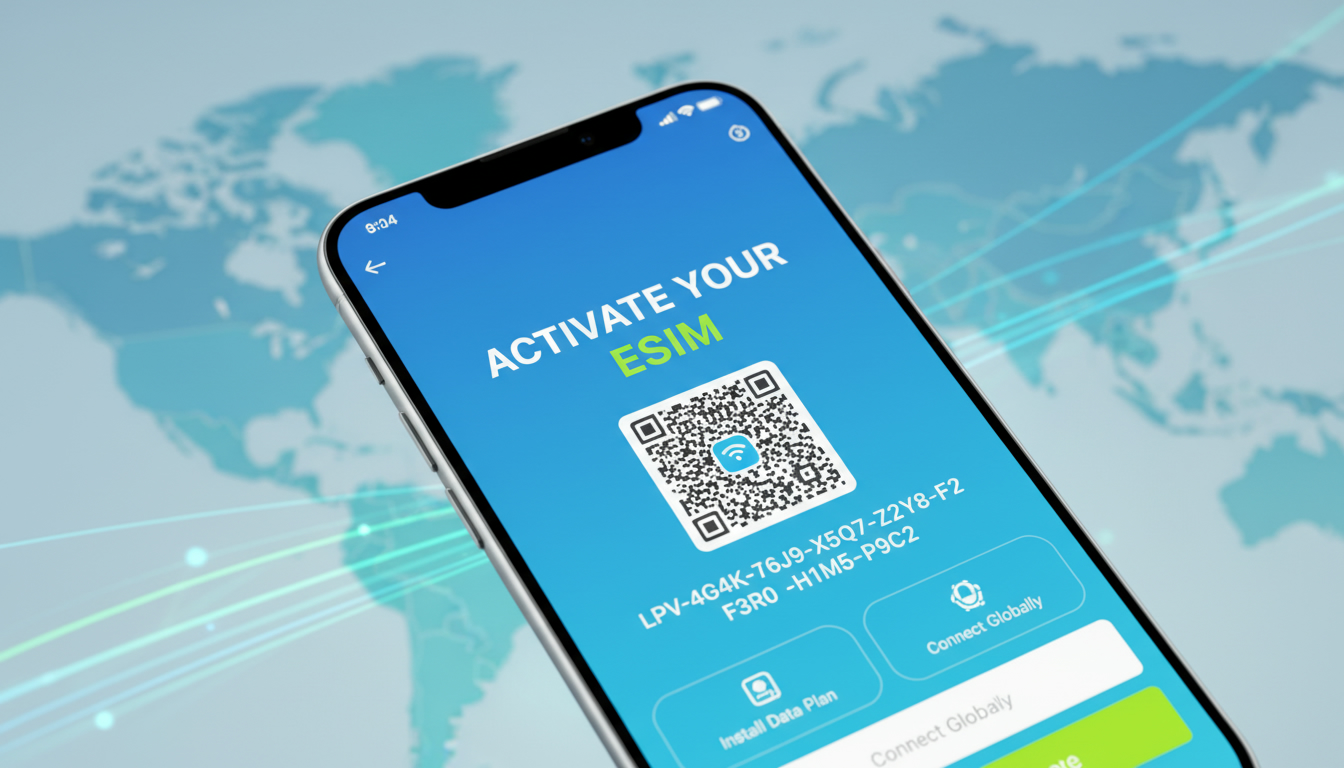
What Is an eSIM Code and Why You Need It to Activate Your eSIM
An eSIM code is a critical piece of information that allows you to activate your eSIM profile on a compatible device without needing a physical SIM card. Typically, this code comes in the form of a QR code or an alphanumeric activation code provided by your mobile carrier.
The eSIM activation code contains the data necessary to download and install your mobile network profile directly onto your phone’s embedded SIM chip.
You’ll usually receive this code after purchasing an eSIM data plan or switching to a carrier that supports eSIM technology. Without it, your phone cannot connect to the mobile network, meaning no calls, texts, or data.
The process is designed to be quick and seamless, but it requires understanding where to get the code and how to use it properly.
How to Obtain Your eSIM Activation Code
Getting the QR Code or Activation Code from Your Carrier
The most common way carriers deliver the eSIM activation code is through a QR code. After ordering an eSIM plan, either online or in-store, carriers like RED by SFR, Bouygues Telecom, or Free provide this QR code in your customer account or via email.
For example:
- RED by SFR places the QR code in your Compte Client RED for easy access.
- Free Mobile offers the QR code in your Espace Abonné Mobile under the "Ma eSIM" section.
- Bouygues Telecom sends a QR code along with instructions to scan and download your eSIM profile.
If you lose this QR code, carriers often require you to request a new one through their customer service channels. Orange France’s official community forum explains that you must contact their support team to get a replacement QR code if lost.
Alternative: Manual Entry of Activation Code
Some carriers provide an alphanumeric activation code instead of or alongside the QR code. This code can be manually entered into your phone’s settings if scanning is not possible.
However, this method is less common and depends on carrier support.
Checking Device Compatibility Before Requesting an eSIM Code
Before requesting an activation code, ensure your device supports eSIM technology. You can check this by dialing *#06# on your phone and looking for an EID (Embedded Identity Document) number, which confirms eSIM capability.
Devices like recent iPhone models (XS and later), Google Pixel 3 and above, and many newer Samsung Galaxy phones support eSIM.
Step-by-Step Guide to Using Your eSIM Activation Code
Scanning the QR Code and Installing Your eSIM Profile
Once you have your QR code:
- Connect to Wi-Fi: Your phone needs internet access to download the profile.
- Open Settings: Navigate to the cellular or mobile data section.
- Add Cellular Plan: Choose “Add Cellular Plan” or “Add eSIM.”
- Scan QR Code: Use your phone’s camera to scan the provided QR code.
- Download Profile: The phone will download and install your eSIM profile automatically.
- Enter PIN if Required: Some carriers set a default PIN like 0000 for the eSIM profile; enter it when prompted.
The sign that installation worked is seeing your carrier name appear in the status bar with signal strength bars.
Common Pitfalls When Installing an eSIM Profile
A frequent mistake is attempting to activate the eSIM without a stable internet connection during profile download. This causes failure or incomplete installation because the phone cannot reach the carrier’s servers.
Another trap is trying to reuse an old QR code after switching devices or plans; these codes are often single-use for security reasons.
I always start by verifying my Wi-Fi connection before scanning any activation QR code — skipping this step leads to frustration when the download stalls halfway.
Understanding Your Mobile Data Plans with an eSIM
What Is an eSIM Data Plan?
An eSIM data plan functions like any traditional SIM plan but is delivered digitally via your device’s embedded SIM chip. You can purchase these plans from various providers offering flexible durations and data amounts without swapping physical cards.
For travelers visiting Peru, for instance, providers such as Roamic, Yesim, Airalo, and others offer prepaid data plans activated via eSIM codes. These plans range from daily short-term options (like 1-day 3GB plans) up to monthly unlimited data packages.
Comparing Popular Providers for Peru Travel Data Plans
Here’s a quick overview of some providers ranked by MyBestSim for Peru travel:
| Provider | MyBestSim Rank | Rating | Promo Code | Discount |
|---|---|---|---|---|
| Roamic | 1 | 4.9 | MYBESTSIM | 10% off unlimited |
| Yesim | 3 | 4.8 | MYBESTSIM20 | 20% off unlimited |
| Airalo | 8 | 4.0 | MYBESTSIM | 10% off unlimited |
| Yatelo | 12 | 4.2 | MYBESTSIM | 15% off unlimited |
| CocoRoam | 23 | 4.1 | MYBESTSIM | 10% off unlimited |
These providers offer various data sizes and validity periods; prices start as low as $2.99 for a single day with 3GB from eSIM.dog up to monthly plans around $8–$9 from CocoRoam or Breeze.
How Carrier Support Affects Your eSIM Experience
Not all carriers support every device model or operating system version equally well. Carrier support includes providing timely activation codes, compatible profiles based on device EID numbers, and troubleshooting assistance.
For example, some carriers require you to keep a physical SIM active during initial setup if scanning fails over Wi-Fi — this is common with SFR in France.
Troubleshooting Common Issues with Your eSIM Activation Code
Lost or Invalid Activation Codes
If you lose your activation QR code or receive an invalid one, you must contact your carrier’s customer service for a new one. Some carriers provide self-service options online; others require direct interaction via chat or phone.
The mechanism here is that each QR code links uniquely to one profile download session; reusing old codes triggers errors due to security protocols embedded in GSMA specifications like SGP.22 governing remote SIM provisioning.
Activation Fails After Scanning QR Code
Activation can fail if:
- The device’s date/time settings are incorrect — causing authentication errors.
- The network connection drops mid-download.
- The device firmware does not support the latest eSIM standards (check OS updates).
I’d advise against skipping OS updates before activating an eSIM because outdated software often lacks critical patches for proper profile installation.
Managing Multiple Profiles on One Device
Devices supporting multiple profiles allow switching between personal and travel plans without changing SIM cards physically. However, only one profile can be active at a time for cellular connectivity.
Switching profiles requires navigating through settings and selecting which plan to enable — a process that varies slightly between iOS and Android devices but generally follows similar steps.
Where to Find More Help on Using Your eSIM Code
If you want detailed guides tailored for Peru travel or specific carriers like Claro or Movistar, I recommend checking out resources such as how to get an eSIM in Peru or Peru travel eSIM options. These guides explain local coverage nuances and which providers offer the best value with verified discount codes.
Also, understanding how different operators compare helps avoid surprises when roaming between Lima and Machu Picchu — something I always consider when planning connectivity for South America trips.
By mastering how to obtain and use your eSIM activation code, you unlock hassle-free mobile service management on modern devices without fumbling with physical SIM cards — making travel and daily life more convenient than ever before.
FAQ
What exactly is an esim code used for?
An esim code is used to activate your eSIM profile on a compatible device. It contains the data needed to download your mobile network profile without a physical SIM card, enabling calls, texts, and data services.
Where can I get my esim activation code from?
You can obtain your esim activation code from your mobile carrier, usually as a QR code sent via email or available in your online account. Some carriers also provide an alphanumeric code for manual entry.
How do I activate my esim using the QR code?
To activate your esim, connect to Wi-Fi, open your phone’s cellular settings, select 'Add Cellular Plan,' then scan the QR code provided by your carrier. Your phone will download and install the profile automatically.
What should I do if my esim activation fails?
If activation fails, check your internet connection, ensure your device’s date and time are correct, and confirm your phone supports eSIM. If problems persist, contact your carrier for a new activation code or further assistance.
Can I use multiple esim profiles on one device?
Yes, many devices support multiple esim profiles, allowing you to switch between plans without changing physical SIM cards. However, only one profile can be active at a time for cellular connectivity.

Diego Ramirez
Diego is a South America travel writer. At Peru eSIM he compares Claro, Movistar, Entel and Bitel coverage from Lima to Machu Picchu.