Double eSIM iPhone for Short vs Long Trips in Peru 2026
11/8/2026
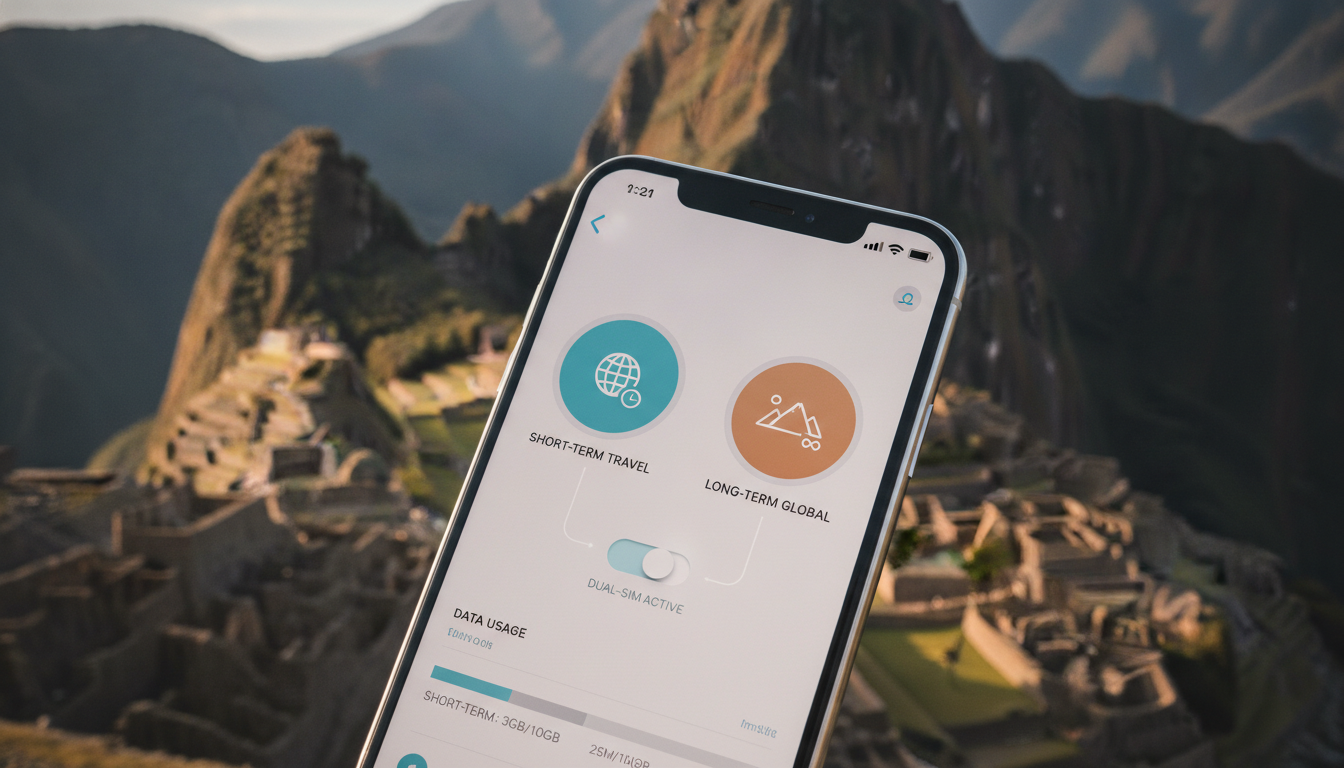
How to Use and Manage Double eSIM on iPhone for Short and Long Trips in Peru
If you’re planning to travel to Peru and want to stay connected without juggling multiple physical SIM cards, understanding the double eSIM feature on iPhone is essential. Recent iPhone models allow you to use two eSIMs or one eSIM alongside a physical SIM, offering flexibility for managing personal and travel data plans.
This capability is especially useful when balancing short-term tourist data needs with longer stays requiring more extensive coverage.
What Does Double eSIM Mean on iPhone?
The term "double eSIM" on iPhone refers to the ability to store and use two eSIM profiles simultaneously. Unlike older models that only supported one physical SIM card plus one eSIM, newer iPhones from the iPhone 13 series onward can activate two eSIMs at once without needing a physical SIM.
This means you can have two separate phone numbers or data plans active on the same device, which is a game-changer for travelers and professionals alike.
However, it’s important to note that while you can store multiple eSIM profiles on your iPhone, only two can be active at the same time. The device manages these through its dual SIM functionality, allowing seamless switching between plans without physically changing cards.
iPhone Models Supporting Dual eSIM
The latest iPhone models with double eSIM capability include:
- iPhone 13, 13 Mini, 13 Pro, and 13 Pro Max
- iPhone 14, 14 Plus, 14 Pro, and 14 Pro Max
These models support activating two eSIMs simultaneously or using one eSIM with a physical nano-SIM card. Apple’s official documentation confirms this dual eSIM support starting with the iPhone 13 series, which marks a significant shift from previous generations.
Managing Multiple eSIMs on an iPhone
Managing multiple eSIMs involves setting up each profile correctly and choosing which one is active for calls, texts, and data. Here’s how it works in practice:
- Adding a Second eSIM: You start by scanning a QR code provided by your carrier or entering details manually in your iPhone’s Settings under Cellular > Add Cellular Plan.
- Labeling Plans: To avoid confusion, label each plan (e.g., “Personal” and “Travel”) so you know which line you’re using.
- Selecting Default Lines: Choose which line will be your default for voice calls and SMS, and which line will handle cellular data.
- Switching Between Lines: You can switch lines for calls or data anytime without removing any SIM physically.
A key field observation here is that if you activate two data plans simultaneously but set one as primary for cellular data, the secondary plan remains inactive for data until manually switched. This mechanism prevents simultaneous data usage from both lines but allows quick toggling depending on your needs.
Choosing Between Short-Term and Long-Term Data Plans with Double eSIM
When traveling in Peru, your choice between short-term and long-term data plans depends heavily on the duration of your stay and your connectivity needs. The double eSIM feature lets you optimize this by managing different plans side by side.
Short-Term Trips: Flexibility and Instant Activation
For short stays—say a few days to a couple of weeks—prepaid short-term data plans are ideal. These plans typically offer smaller data bundles valid for 1 to 30 days with instant activation via QR codes or apps.
| Provider | Data Allowance | Validity | Price (USD) | Notes |
|---|---|---|---|---|
| eSIM.dog | 3.0 GB | 1 day | $2.99 | Best for very short trips |
| JamboSim | 3 GB | 30 days | $4.99 | Good balance of price & duration |
| Yatelo | 3 GB | 30 days | $5.61 | Slightly pricier but reliable |
I always start by installing a short-term plan from providers like JamboSim or Yatelo when arriving in Peru because they offer instant activation without roaming fees. This approach avoids overpaying for unused data while ensuring immediate connectivity from Lima to Machu Picchu.
Long-Term Trips: Stability and Cost Efficiency
For longer stays exceeding a month, it makes more sense to opt for extended validity plans with larger data allowances or unlimited options offered by local carriers such as Claro or Movistar through their eSIM offerings.
A practical mechanism I’ve noticed is that long-term plans often require registration with local carriers’ apps or websites, which may involve identity verification—a step that can delay activation if not prepared in advance. Hence, activating a short-term plan first ensures connectivity while completing these formalities.
The double eSIM feature allows you to keep your original home number active on one line while using a local long-term Peruvian plan on the other line for affordable internet access throughout your stay.
Setting Up and Activating Double eSIM on Your iPhone
Setting up double eSIMs involves precise steps that differ slightly depending on whether you’re adding an additional eSIM alongside a physical SIM or activating two eSIMs exclusively.
Step-by-Step Setup Process
- Check Compatibility: Confirm your iPhone model supports dual eSIM (iPhone 13 or later).
- Obtain QR Codes: Get QR codes from your chosen carriers—one for your home number (if applicable) and one or more for Peruvian providers.
- Add Cellular Plans: Go to Settings > Cellular > Add Cellular Plan; scan the QR code or enter details manually.
- Assign Labels: Name each plan clearly (e.g., “Home,” “Peru Short-Term”).
- Select Default Line: Choose which plan handles voice calls and cellular data.
- Enable Dual SIM Mode: Ensure both lines are active; if using two eSIMs exclusively, no physical SIM should be inserted.
- Test Connectivity: Make test calls or browse the internet to verify both lines work as expected.
A common mistake I’d advise against is overloading your iPhone with too many inactive profiles without deleting old ones; this can cause confusion during activation because only two profiles can be active simultaneously despite storing multiple profiles.
Differences Between Physical SIM and eSIM Usage
While physical SIM cards require manual swapping when changing carriers or countries, an eSIM allows remote provisioning governed by GSMA specification SGP.22 — enabling instant activation without removing cards physically.
This remote provisioning mechanism means travelers can switch between Peruvian providers like Claro or Movistar instantly upon arrival by downloading new profiles via Wi-Fi or existing cellular connections—a critical advantage when moving between urban centers and remote areas like Machu Picchu where coverage varies significantly.
Benefits of Using Double eSIM on iPhone During Travel in Peru
Using double eSIMs offers several benefits tailored to travelers’ needs:
- Dual Numbers Without Two Phones: Manage personal and work numbers separately on the same device.
- Seamless Switching Between Data Plans: Switch between local Peruvian carriers’ plans optimized for different regions without losing connectivity.
- Avoid Roaming Charges: Activate local Peruvian plans instantly upon arrival using providers verified by MyBestSim.
- Better Coverage Management: Use one plan as backup if the other loses signal in remote areas like Cusco or Sacred Valley.
- Simplified Plan Management: No need to physically swap SIM cards reduces risk of losing them during travel.
One field observation I’ve made is that when traveling in Peru’s mountainous regions late in the day, network coverage can fluctuate rapidly; having two active lines lets you switch cellular data quickly if one carrier’s signal drops below threshold levels needed for stable connections.
For travelers interested in comparing Peruvian offers compatible with double eSIM usage, MyBestSim provides an up-to-date comparison of providers like Roamic (ranked #1), Airalo (#6), Yatelo (#14), and JamboSim (#25), including real discount codes such as MYBESTSIM that help reduce costs significantly.
You can also explore detailed guides about how to get an eSIM in Peru or compare best Peruvian offers directly from trusted sources specialized in Peruvian coverage.
By understanding how to effectively use double eSIMs on your iPhone—balancing short-term tourist plans with long-term local subscriptions—you gain full control over connectivity during your Peruvian adventure without carrying multiple devices or swapping physical SIM cards constantly.
FAQ
What does double eSIM mean on iPhone?
Double eSIM on iPhone means you can activate and use two eSIM profiles simultaneously without needing a physical SIM. This feature, available from iPhone 13 onward, allows managing two separate phone numbers or data plans on one device, ideal for travelers and professionals.
Which iPhone models support dual eSIM functionality?
iPhone models starting from the iPhone 13 series, including iPhone 13, 13 Mini, 13 Pro, 13 Pro Max, and all iPhone 14 variants, support dual eSIM. These models can use two eSIMs at once or one eSIM with a physical SIM card.
How do I add and manage two eSIMs on my iPhone?
To add a second eSIM, scan the carrier’s QR code via Settings > Cellular > Add Cellular Plan. Label each plan for clarity, select default lines for calls and data, and switch between plans anytime without removing SIM cards physically.
What are the benefits of using double eSIM during travel in Peru?
Double eSIM lets you maintain two active lines for personal and local Peruvian plans, avoid roaming fees, switch carriers easily for better coverage, and manage connectivity seamlessly in remote areas like Machu Picchu without swapping physical SIM cards.
Can I use short-term and long-term data plans simultaneously with double eSIM?
Yes, double eSIM allows you to activate a short-term prepaid plan for immediate use and a long-term local plan for extended stays. You can switch data usage between them as needed, optimizing cost and connectivity during your trip.

Diego Ramirez
Diego is a South America travel writer. At Peru eSIM he compares Claro, Movistar, Entel and Bitel coverage from Lima to Machu Picchu.