How to Manage Att Data Roaming Costs with eSIM Plans in 2026
8/25/2026
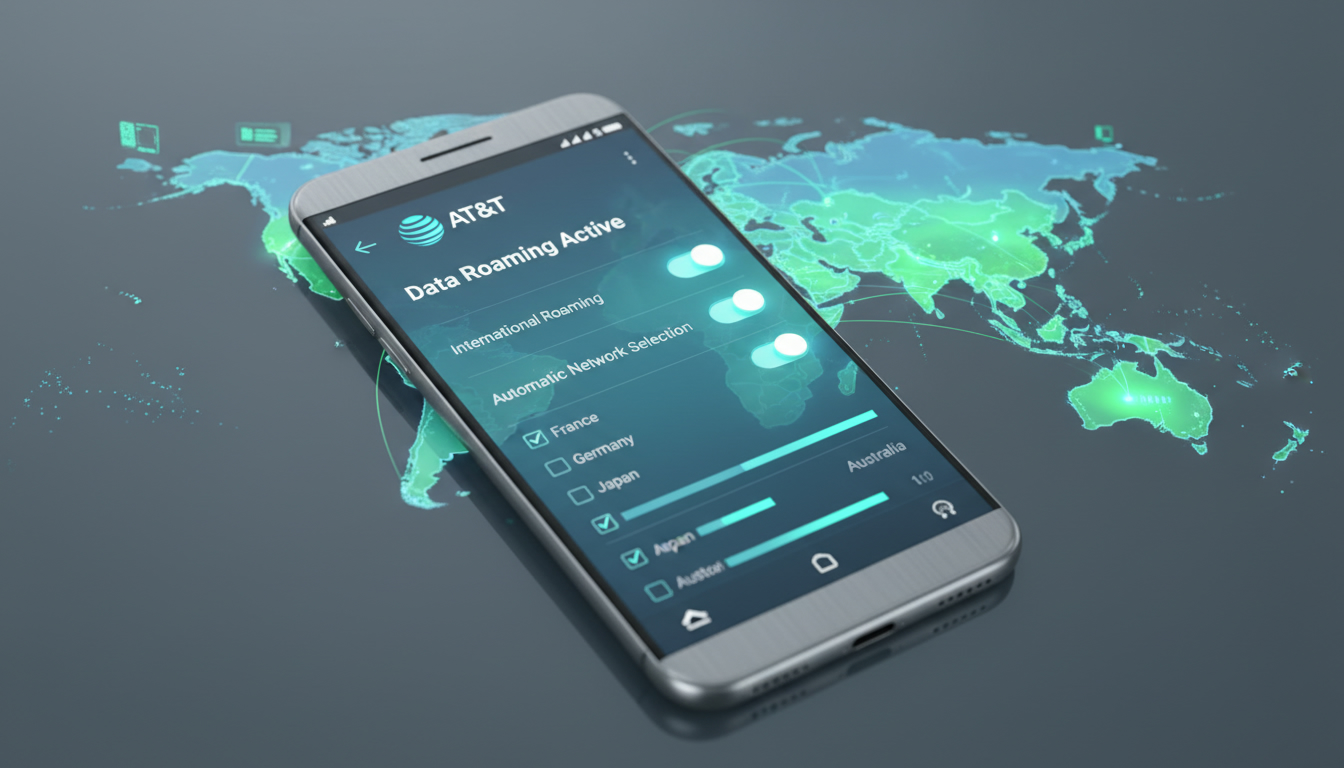
In short, what you'll discover in this article: Learn everything about AT&T data roaming, including how to activate it on your device, the costs involved, and smart ways to avoid unexpected fees while traveling internationally. Stay connected confidently with clear tips and plan options.
1. What Is AT&T Data Roaming?
1.1 Definition and How It Works
AT&T data roaming allows your phone to connect to other carriers’ networks when you travel outside your home coverage area, especially internationally. This service lets you use mobile data, calls, and texts abroad by partnering with foreign networks.
However, roaming can lead to additional charges if not managed properly.
1.2 Difference Between Voice, SMS, and Data Roaming
Roaming covers three main services: voice calls, SMS messages, and mobile data. While voice and SMS roaming charges may differ depending on your plan or destination, data roaming usually incurs separate fees based on usage.
Understanding these distinctions helps you control costs effectively.
2. How to Enable or Disable AT&T Data Roaming
2.1 On iPhone (Step-by-Step)
To enable AT&T data roaming on an iPhone:
- Open Settings.
- Tap Cellular or Mobile Data.
- Select Cellular Data Options.
- Toggle Data Roaming on or off.
- Restart your iPhone to apply changes.
This ensures your phone can access data networks abroad when needed.
2.2 On Android (Step-by-Step)
For Android devices:
- Open the Settings app.
- Tap Network & Internet or Connections.
- Select Mobile Network.
- Toggle Data Roaming on or off.
- Restart your phone for the setting to take effect.
2.3 Check Settings and Restart Your Device
Always verify your device’s roaming settings before traveling and restart it after changes to ensure connectivity works smoothly without unexpected interruptions.
3. AT&T International Data Roaming Costs and Options
3.1 Common International Plans (Daily Passes, Country/Zone Packages)
AT&T offers several international roaming plans tailored for travelers:
- International Day Pass: For $12 per day, you can use your domestic talk, text, and data allowances in over 100 countries.
- Additional lines cost $6 per day when added to the same account.
- Some plans include unlimited talk, text, and data in select Latin American countries at no extra charge.
These options provide flexibility depending on your travel duration and destination.
3.2 Out-of-Plan Fees and Examples by Region
Without an international plan, AT&T charges standard roaming rates that can be costly:
- $12 per day for land and air travel usage.
- $20 per day for usage at sea (cruise ships).
- Charges apply only on days when you use your phone abroad.
Understanding these fees helps avoid surprise bills after your trip.
4. Coverage and Roaming Partners by Country/Region
4.1 How to Check Coverage Before Traveling
Before departure, check the AT&T data roaming coverage map to confirm if your destination is supported by AT&T’s roaming partners. This ensures reliable service during your trip.
4.2 Areas with High Roaming Fees to Watch Out For
Certain countries or regions may have limited partnerships or higher roaming costs with AT&T. It’s wise to research specific destinations in advance to avoid unexpected expenses or service interruptions.
5. Tips to Save on AT&T Data Roaming Charges
5.1 Use Wi-Fi, VPNs, and Data Compression
To reduce data usage while abroad:
- Connect to trusted Wi-Fi networks whenever possible.
- Use VPN services for secure browsing without extra data charges.
- Enable data compression features in browsers or apps to minimize consumption.
5.2 Activate Temporary Options or Buy a Local eSIM
Consider these alternatives:
- Purchase temporary international passes like the AT&T International Day Pass only for days you need roaming.
- Buy a local eSIM from providers such as those recommended by MyBestSim for Peru travel at esim-peru.com/blog/esim-peru or learn how to get an eSIM in Peru at esim-peru.com/blog/how-to-get-esim-in-peru. These options often offer better rates without roaming fees.
6. Common Issues and How to Fix Them
6.1 No Connection While Roaming
If you experience no signal abroad:
- Confirm that data roaming is enabled in your device settings.
- Restart your phone.
- Manually select a network from available carriers in settings if automatic selection fails.
6.2 Unexpected Overages and Billing Surprises
To avoid unexpected charges:
- Monitor your data usage closely while traveling.
- Disable background app refreshes that consume data unknowingly.
- Set alerts through the AT&T app or website for usage thresholds.
7. Conclusion and Recommendations Before You Travel
Before heading abroad with AT&T service:
- Verify if your current plan includes international roaming or if you need an add-on like the International Day Pass.
- Enable data roaming only when necessary and monitor usage daily.
- Consider local eSIM options from trusted providers listed on esim-peru.com for affordable connectivity without roaming fees.
- Always check the coverage map for your destination to ensure seamless service.
Following these steps will help you stay connected without surprises during your trip.
For travelers looking for affordable alternatives to traditional AT&T roaming plans, exploring eSIM providers like Airalo, Yesim (with promo code MYBESTSIM20), or eSIM.dog (using promo code MYBESTSIM) can offer competitive prepaid data packages tailored for destinations such as Peru—helping you avoid high international roaming costs while enjoying reliable mobile internet access during your travels. MyBestSim remains a top resource for comparing these offers effectively.
FAQ
How do I activate AT&T data roaming on my phone?
To activate AT&T data roaming, go to your phone’s settings, find the cellular or mobile data options, and toggle data roaming on. Restart your device to apply the changes and ensure you can use data abroad.
What are the daily costs for AT&T international roaming?
AT&T charges $12 per day for international roaming in over 100 countries with the International Day Pass. Additional lines cost $6 per day. Without a plan, standard roaming fees can be higher, so purchasing a pass is recommended.
Can I avoid high roaming fees while traveling internationally?
Yes, you can avoid high fees by using Wi-Fi, enabling data compression, or purchasing temporary passes like the International Day Pass. Alternatively, buying a local eSIM often offers better rates without roaming charges.
How can I check if AT&T covers my travel destination?
Before traveling, check AT&T’s data roaming coverage map online to confirm if your destination is supported by their roaming partners. This helps ensure reliable service and avoids unexpected connectivity issues.
What should I do if I have no connection while roaming?
If you have no signal abroad, first verify that data roaming is enabled in your settings. Restart your phone and try manually selecting a network. These steps usually resolve common connectivity problems.

Diego Ramirez
Diego is a South America travel writer. At Peru eSIM he compares Claro, Movistar, Entel and Bitel coverage from Lima to Machu Picchu.