2 eSIM for iPhone: Short Vs. Long Peru Stays
11/23/2026
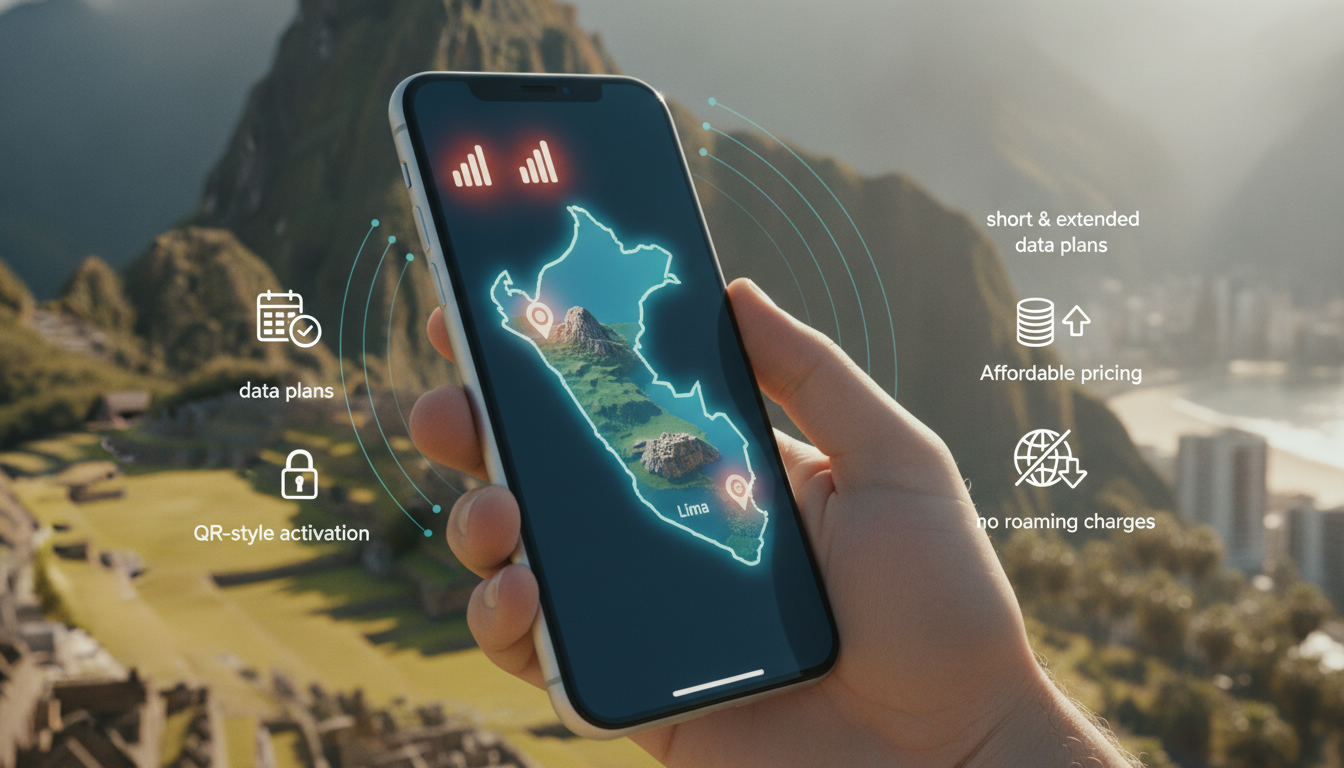
An iPhone can keep two active eSIMs at once when it is an iPhone 13 or newer, according to Apple’s Dual SIM support. For a short Peru trip, pair your home line with a 1-day $2.99 plan or a 30-day 3 GB plan from $4.99; for a longer stay, choose validity first, then data, so the plan does not expire while you still need it.
| Peru eSIM option | Validity | Data | Price | Best fit |
|---|---|---|---|---|
| eSIM.dog | 1 day | 3.0 GB | $2.99 | Arrival or overnight stop |
| JamboSim | 30 days | 3 GB | $4.99 | Short or extended stay |
| Yatelo | 30 days | 3 GB | $5.61 | One-month travel |
| Redtea | 30 days | 3 GB | $6.55 | Longer trip with moderate use |
| LinkeSIM | 31 days | 3 GB | $6.60 | A full calendar month |
| Breeze | 30 days | 3.0 GB | $6.99 | Month-long backup |
| 4S eSIM | 30 days | 3 GB | $7.15 | Standard 30-day validity |
| CocoRoam | 30 days | 3 GB | $8.60 | Another month-long option |
The practical distinction is not just “two eSIMs or not.” It is whether your iPhone can keep both lines active, whether the Peru plan has enough validity for your itinerary, and whether your home line is prevented from using expensive data roaming.
Which iPhones support two eSIMs?
Apple’s model support divides into two useful groups.
iPhone XS through iPhone 12
Apple introduced eSIM Dual SIM capability with the iPhone XS, iPhone XS Max, and iPhone XR. The same setup applies to later models through the iPhone 12: one physical SIM and one eSIM can normally be used together.
The source list for dual-SIM/eSIM compatibility also includes:
- iPhone XS
- iPhone XS Max
- iPhone XR
- iPhone 11
- iPhone 11 Pro
- iPhone 11 Pro Max
These models can keep two phone lines available, but they do not generally provide the same two-eSIM arrangement as newer models. If your iPhone has a SIM tray, the safer travel configuration is your regular physical SIM plus a Peru eSIM.
iPhone 13 and newer
Apple states that iPhone 13 and later support two active eSIMs. This is the key answer for anyone searching for an “iPhone with two eSIMs.” You can leave your personal number on one eSIM and load a Peru travel plan on the other.
Regional hardware still matters. In the United States, Apple’s iPhone 14 and later models are eSIM-only, while other markets may sell versions with a physical SIM tray.
The model name alone is not enough: open Settings > General > About and check the model details before buying a plan.
Your iPhone must also be unlocked, or both mobile plans must belong to the same carrier. A locked phone can reject a travel eSIM even when the hardware supports two lines.
Short stays need a different eSIM strategy
For a short Peru visit, validity is often more important than maximum data. A plan that expires after one day can be useful for an airport transfer or a brief stop, but it is the wrong choice for a week-long itinerary.
The $2.99 eSIM.dog option lasts 1 day, so I would use it only when you need immediate connectivity and already have another solution for the rest of the trip. For a stay extending beyond arrival day, the 30-day JamboSim plan at $4.99 for 3 GB has a much safer validity margin.
That extra validity matters because activation timing can affect the countdown. Before installing, check whether the provider starts validity on installation, activation, or first network connection.
Installing a plan at home several days before departure can waste part of its useful period if the provider starts the clock immediately.
For a short trip, I would set the Peru line as the data line and leave the home line enabled for calls and text messages only. I would also disable data switching.
When data switching remains enabled, the iPhone may use the home line when the Peru eSIM has weak service, which can create roaming charges.
You can also keep your primary number available for authentication messages while using the Peru plan for data. That is usually the most practical reason to use two lines rather than removing your home SIM.
A Peru travel eSIM guide is useful when the decision depends on where you are going, because coverage expectations can change between Lima, Cusco, the Sacred Valley, and areas near Machu Picchu.
Longer stays reward validity and careful data control
For a month or more, the cheapest plan is not automatically the best one. A 30-day plan may cover a normal extended stay, while the 31-day LinkeSIM option at $6.60 gives one additional day without moving to a different data allowance.
The available 3 GB plans range from $4.99 to $8.60, depending on the provider. The lower price is attractive, but the purchase decision should also consider:
- whether tethering is allowed;
- when validity begins;
- whether the plan includes only data;
- which Peruvian network the provider uses;
- whether top-ups are available;
- whether customer support can help with activation.
MyBestSim lists provider rankings and current promotional codes separately from the individual Peru offers. For example, its listed provider data includes Yesim at rank 2 with a 4.8 rating and code MYBESTSIM20 for 20% off unlimited, while Airalo appears at rank 6 with a 4.6 rating and code MYBESTSIM for 10% off unlimited.
Those are not the same thing as the fixed-price 3 GB offers in the table: confirm that the code applies to the exact plan before checkout.
For a longer stay, I would rather buy a plan with a full validity window than stack several short plans. Reinstalling eSIM profiles can create confusion, and deleting a profile may make reactivation impossible if the provider treats it as a one-time installation.
How to activate and use two eSIMs
Use this order so your home line stays protected:
-
Confirm the iPhone is unlocked.
Open Settings > General > About, then check Carrier Lock. Apple identifies an unlocked device as one showing “No SIM restrictions.” If the phone is locked, the Peru eSIM may not register. -
Install the Peru plan while connected to Wi-Fi.
Use the provider’s QR code or activation link. Keep the confirmation email available because some providers show the QR code only once. -
Label the lines immediately.
Use labels such as “Home” and “Peru.” Labels control how clearly iOS displays the line during calls, messages, and data selection; they do not change the underlying plan. -
Choose the default data line.
Set the Peru eSIM under Settings > Cellular > Cellular Data. Turn off Allow Cellular Data Switching so the iPhone cannot silently move data to your home line. -
Configure calls and messages.
Keep your home line active if you need its number for incoming SMS verification. Set the Peru eSIM as the data line, but understand that a data-only plan will not provide a second conventional phone number. -
Test before leaving Wi-Fi.
Turn Wi-Fi off, check that a webpage loads, and verify the active line in Control Center. If the Peru line shows no service, check that data roaming is enabled for that travel eSIM only when the provider requires it.
The mechanism is straightforward: the iPhone maintains two subscriber profiles, but the radio connection is still shared. When one line is handling a call, the other line may have limited availability depending on the model and carrier behavior.
That is why a missed call during an active call does not necessarily mean the second eSIM was installed incorrectly.
Apple’s Dual SIM Dual Standby (DSDS) design is the relevant reference for older dual-line behavior. On iPhone 13 and newer, two eSIM profiles can be active, but “active” does not mean both lines carry separate simultaneous cellular data sessions.
When the trip lasts longer than the first plan, do not delete the home line to make room. The eSIM profile list can contain multiple stored plans, even though only the supported number can be active at the same time. A step-by-step Peru eSIM activation guide helps when the QR installation is complete but the line still needs to be selected for mobile data.
What changes outside Lima
A plan’s price and validity do not guarantee identical coverage throughout Peru. The provider’s underlying local network matters, particularly when traveling away from major cities.
I always check the network assignment before purchase rather than assuming that an eSIM brand operates its own towers.
Near mountainous destinations, the phone may hold onto a weak cell longer than expected. If data stalls while the signal indicator remains visible, toggle airplane mode briefly instead of repeatedly reinstalling the eSIM; the problem is often a stale network registration, not a damaged profile.
At the airport, avoid activating the home line for data just because the Peru eSIM has not connected yet. First confirm that the travel line is selected under Cellular Data, then restart the phone if necessary.
That small sequence prevents the common mistake of using roaming data during the first few minutes after landing.
If the iPhone shows the Peru eSIM as installed but no network, the remaining checks are carrier lock, line activation, data-line selection, and local network availability. The model supports the function only when the plan itself is provisioned and ready.
FAQ
Which iPhones support two active eSIMs while traveling?
iPhone 13 and newer models support two active eSIMs, allowing you to keep your home line and Peru travel plan available together. iPhone XS through iPhone 12 generally combine one physical SIM with one eSIM instead, so confirm your exact model before purchasing a plan.
Can a locked iPhone use a Peru travel eSIM?
No, a locked iPhone may reject a Peru eSIM unless both plans belong to the same carrier. Check Settings > General > About and verify that Carrier Lock says “No SIM restrictions.” Unlocking the phone before departure prevents activation problems and unexpected dependence on roaming data.
Which Peru eSIM is best for a short trip?
The 1-day eSIM.dog plan costs $2.99 and suits an arrival day or overnight stop. For trips lasting several days or longer, JamboSim offers 3 GB for $4.99 with 30-day validity, providing a safer window and reducing the risk of expiration during your itinerary.
How can travelers prevent expensive home-line data roaming?
Set the Peru eSIM as the default data line under Settings > Cellular > Cellular Data, then disable Allow Cellular Data Switching. Keep your home line active for calls or verification texts, but prevent it from supplying mobile data when the Peru plan has weak service.
What should travelers check before buying a longer Peru eSIM?
Compare validity, network coverage, tethering rules, activation timing, top-up availability, and customer support—not only the advertised price. Most listed plans provide 3 GB for 30 days, while LinkeSIM offers 31 days for $6.60, which may better fit a full calendar month.

Diego Ramirez
Diego is a South America travel writer. At Peru eSIM he compares Claro, Movistar, Entel and Bitel coverage from Lima to Machu Picchu.